How to Use Automation Rules to Avoid Costly Social Media Mistakes (Guide)
Scaling a social media agency often feels like trying to tune an engine while the car is moving at eighty miles per hour. In my thirteen years of managing high-budget portfolios, I have learned that the transition from a solo operator to a leader of specialists is rarely a straight line. It is a series of pivots where the focus shifts from doing the work to building the systems that do the work. The most critical shift I ever made was moving away from manual oversight and toward a system of platform-native safeguards that monitor account health around the clock.
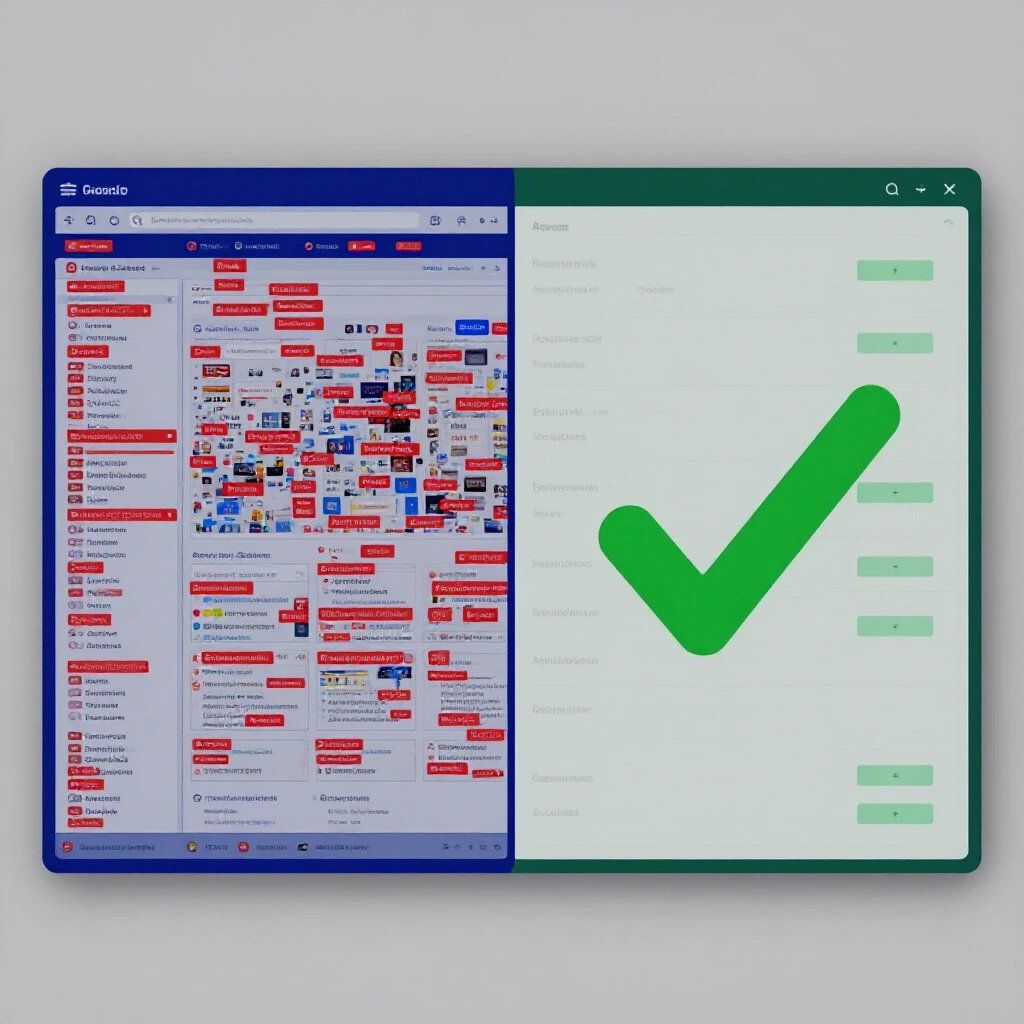
Focusing on simplicity is the only way to survive this transition. When I first started scaling, I believed that more people meant better quality. I was wrong. More people often meant more opportunities for human error, especially when managing six-figure monthly spends. I remember a specific weekend where a specialist accidentally removed a spending cap on a scaling campaign. By Monday morning, the client had spent three times their daily limit on a low-performing creative. That was the moment I realized that human intuition is a poor substitute for systematic guardrails.
Establishing Campaign Optimization Standards Through Systematic Onboarding
Standardizing how a new client enters your agency ecosystem is the first step toward repeatable success. This process involves creating a uniform set of requirements for every account, ensuring that no specialist has to guess how to structure a campaign or set a budget limit.
In the context of digital agency operational growth, workflow standardization refers to the creation of a fixed, repeatable sequence of tasks for every new project. It is the “what” and “how” of your agency. By defining these steps early, you ensure that every account receives the same level of care, regardless of which specialist is assigned to it.
When I talk about campaign optimization standards, I am referring to the baseline metrics and settings that must be present in every ad account before a single dollar is spent. This includes naming conventions, conversion tracking verification, and, most importantly, the activation of native platform rules. These rules act as a silent partner, watching the account when your team is asleep or focused on other tasks.
| Onboarding Stage | Key Task | Operational Goal |
|---|---|---|
| Technical Audit | Pixel and API Verification | Ensure data accuracy for rule triggers |
| Budget Mapping | Daily vs. Lifetime Caps | Prevent catastrophic overspending |
| Rule Implementation | Native Platform Guardrails | Establish automated performance floors |
| Specialist Handover | Portfolio Capacity Check | Verify team member has bandwidth |
In my experience, the bottleneck in scaling marketing agencies often occurs during this handover. If the onboarding is messy, the specialist will spend fifty percent of their time fixing technical errors instead of optimizing performance. I once managed a team where we skipped the technical audit to “move fast.” We lost two clients in a month because their tracking broke, and our automated alerts weren’t set up to catch the drop in conversion signals.
Building Robust Team Delegation Frameworks for High-Budget Portfolios
Delegation is not just about giving someone a task; it is about transferring the responsibility for an outcome while maintaining a system of checks and balances. A strong framework allows a founder to step back from the daily buttons without losing sleep over the results.
A team delegation framework is a structured map that defines who owns specific parts of the campaign lifecycle. It clarifies the hierarchy of decision-making. For example, a specialist might own the daily bid adjustments, while a director owns the monthly budget allocation. This clarity prevents the “too many cooks” syndrome that plagues growing agencies.
I found that the most effective way to manage a growing team was to establish clear account-to-strategist ratios. In my agency, I found that a ratio of four to eight accounts per specialist was the sweet spot. Anything more, and the quality of optimization began to suffer. Anything less, and our operational costs became too high to sustain growth.
- Junior Specialist: Manages 6 to 10 small-budget accounts with strict SOPs.
- Senior Strategist: Manages 4 to 6 high-budget, complex accounts.
- Operations Lead: Oversees the rules and systems across all accounts.
Building this structure required me to define portfolio capacity. This is the maximum amount of work a team member can handle without a drop in campaign quality. We measured this by tracking the average time spent on weekly optimizations. If a specialist was spending more than five hours per week just on manual reporting, we knew we had a delegation bottleneck that needed a system-based solution.
Deploying Native Guardrails to Prevent Overspending and Performance Drops
The core of a stable agency operation lies in the use of automated triggers within the ad platforms themselves. These native rules monitor specific data points and take action when those points cross a certain threshold, acting as a safety net for your team.
Native performance guardrails are automated instructions set within platforms like Meta or Google Ads. They function on an “if this, then that” logic. For example, “if the cost per acquisition (CPA) rises above $50 over the last 24 hours, then pause the ad set.” This prevents a small fluctuation from turning into a major financial loss.
I started using these triggers religiously after a specialist forgot to pause a holiday promotion. The ad kept running for three days after the sale ended, wasting thousands of dollars. Now, we never launch a campaign without three specific types of rules: spend velocity monitors, CTR floor alerts, and conversion anomaly triggers.
- Spend Velocity Rules: These monitor how fast a budget is being consumed. If an account spends 50% of its daily budget before 10:00 AM, the rule sends an alert. This catches “runaway” spending caused by algorithm shifts or human error.
- CTR Floor Rules: If the Click-Through Rate (CTR) drops below a certain percentage (e.g., 0.5%) over a 48-hour period, the rule pauses the creative. This ensures we aren’t paying for impressions that don’t interest the audience.
- Conversion Anomaly Triggers: If an account that usually sees ten conversions a day suddenly sees zero for twelve hours, the rule alerts the team. This is often the first sign that a tracking pixel has failed.
These rules don’t replace the specialist; they empower them. Instead of checking every account for errors, the specialist only spends time on accounts where a rule has been triggered. This is the definition of operational leverage.
Managing Operational Costs and Scaling Marketing Agencies Safely
As your agency grows, the cost of service can quickly eat into your margins if you are not careful. Scaling requires a balance between hiring the right talent and using systems to make that talent more efficient.
Operational cost management is the practice of monitoring the expenses required to deliver your services. In a marketing agency, the biggest cost is almost always payroll. To remain profitable, you must ensure that your specialists are spending their time on high-value strategy rather than repetitive manual tasks.
I use a simple calculation to check our efficiency: the Target Cost-of-Service Margin. Ideally, your labor costs for managing an account should not exceed 30% to 40% of the revenue that account generates. When we implemented automated performance monitoring, we saw our specialists could manage 20% more ad spend without increasing their working hours. This directly improved our bottom line.
| Metric | Benchmark | Why It Matters |
|---|---|---|
| Account-to-Strategist Ratio | 4:1 to 8:1 | Balances quality with profitability |
| Average Launch Time | < 48 Hours | Measures onboarding efficiency |
| Rule Trigger Frequency | 2-3 per week | Indicates healthy account volatility |
| Specialist Utilization | 75% to 85% | Prevents burnout while maximizing output |
One mistake I made early on was hiring too fast. I thought a new hire was the solution to every problem. I eventually learned that a new hire is a liability until they are fully integrated into your campaign optimization standards. Now, we only hire when our current team’s utilization rate hits 85% for three consecutive weeks.
Benchmarking Client Retention and Team Performance Metrics
The ultimate test of an agency’s systems is how long clients stay and how well the team performs under pressure. High-budget clients do not just pay for results; they pay for the peace of mind that their budget is being managed with professional rigor.
Client retention benchmarks are the standards you use to measure how well you are keeping your customers. In the agency world, a monthly retention rate of 95% or higher is generally considered healthy. We found that our retention rate stayed high not because we never made mistakes, but because our systems caught those mistakes before the client did.
We also track team performance through internal quality check protocols. Once a week, an operations lead reviews the rule logs for every account. They aren’t looking at the ad creative; they are looking to see if the safeguards are active and if the specialist responded to any triggers within four hours. This level of accountability is what transforms a group of freelancers into a high-performance business unit.
- Monthly Retention Rate: Target 95%+.
- Response Time to Rule Triggers: Target < 4 hours.
- Optimization Frequency: At least 2 major adjustments per week.
- Budget Accuracy: < 1% variance from client-approved spend.
By focusing on these metrics, I was able to transition from being the “firefighter” who solved every crisis to the “architect” who built the system that prevents the fires. It allowed me to focus on the long-term growth of the agency rather than the daily fluctuations of a single ad account.
Conclusion: Building a Scalable Foundation
Scaling an agency is a journey of letting go. You start by doing everything, then you teach others to do it, and finally, you build systems to ensure it is done correctly every time. The use of native platform rules is not about being lazy; it is about being precise. It is about protecting your clients’ investments and your team’s sanity.
If you are currently feeling overwhelmed by the weight of multiple high-budget accounts, start small. Choose one account and set up three basic rules: a spend cap, a performance floor, and a tracking alert. Once you see the peace of mind that provides, roll it out across your entire portfolio. This is how you move from a stressful job to a scalable business.
The transition from a specialist to an owner requires you to value systems as much as you value strategy. When your team knows that there are guardrails in place, they feel more confident in taking the calculated risks necessary to achieve breakthrough results for your clients.
Frequently Asked Questions
What is the best way to start with automated rules without losing control? The best way to start is by setting “Alert Only” rules. These rules do not pause or change anything; they simply send an email or notification to the specialist when a threshold is met. This allows the team to verify the data before any action is taken. Once you trust the logic, you can transition to “Action” rules that pause underperforming ads automatically.
How many automated rules are too many for a single account? While there is no hard limit, having more than five to seven rules per campaign can lead to “rule fatigue” or conflicting actions. I recommend focusing on the “Big Three”: a budget protector, a performance floor (CPA or ROAS), and a creative quality check (CTR). Keep it simple so your team can easily audit the logic.
Do automated rules work well for small-budget accounts? Rules are actually very helpful for small budgets because there is less room for error. However, you must be careful with the time window. For a small budget, use a longer look-back period (like 7 days) to ensure the rule is acting on statistically significant data rather than a single bad day.
Will automated rules interfere with the platform’s learning phase? Yes, if they are too aggressive. To avoid this, set your rules to only trigger after an ad set has exited the learning phase or after it has reached a specific number of impressions. Avoid rules that make frequent, small budget changes, as this can reset the learning algorithm.
How do I explain the use of automation to a client who wants “manual” management? Explain that the automation is a “24/7 Safety Monitor” that supports the human strategist. Use the analogy of a pilot and an autopilot system. The pilot (your specialist) handles the takeoff, landing, and strategy, while the autopilot (the rules) ensures the plane stays on course and alerts the pilot to any engine issues immediately.
What is the most common mistake when setting up performance triggers? The most common mistake is not accounting for conversion lag. If you set a rule to pause an ad if it hasn’t converted in the last 6 hours, but your typical customer takes 24 hours to decide, you will kill perfectly good ads. Always set your rule timeframes to be longer than your average conversion window.
Can rules help with budget pacing at the end of the month? Absolutely. You can set rules to gradually increase or decrease daily spend based on how much of the monthly budget is remaining. This prevents the “end of month scramble” where an agency realizes they have $10,000 left to spend in two days.
How often should we audit our rule setups? I recommend a monthly audit. As platform algorithms change and client goals shift, your thresholds for “good” or “bad” performance will also change. A monthly review ensures your guardrails are still aligned with the client’s current KPIs.
Should I use rules to scale budgets upward automatically? I suggest being cautious here. While you can set rules to increase budget by 20% if ROAS is high, manual oversight is usually better for scaling up. Rules are excellent at “defensive” actions (pausing and alerting), but “offensive” actions (scaling) often require a human to look at the broader market context.
How do rules impact team accountability? They increase it significantly. When a rule triggers an alert, it creates a timestamped event. You can then track how long it took for a specialist to acknowledge and act on that alert. This data is invaluable for performance reviews and identifying training needs within your team.
(This article was written by one of our staff writers, Matthew Sterling. Visit our Meet the Team page to learn more about the author and their expertise.)