How to Fix Landing Page Message Mismatch in Social Media Ads (Guide)
When we manage complex ad accounts, our first instinct is to blame the technology. I have spent over a decade looking at broken pixels and API errors. However, I recently realized that some of the most frustrating drops in conversion data have nothing to do with code. My goal for this guide is to help you identify when a breakdown in the transition from an ad to a landing page is ruining your performance data.
Auditing the Logic Flow Between Ad Creative and Page Headlines
A logic flow audit is the process of verifying that the promise made in a social media ad matches the first thing a user sees on the destination page. This check ensures that the technical transition does not result in a high bounce rate due to user confusion.
In my experience, we often focus so much on the conversion API that we forget the human element. I remember a project where a client’s lead generation ads had a 4% click-through rate, but the conversion rate was nearly zero. I checked the pixel events and the server-side pings. Everything was firing perfectly. The data was reaching the dashboard, but the users were leaving within three seconds.
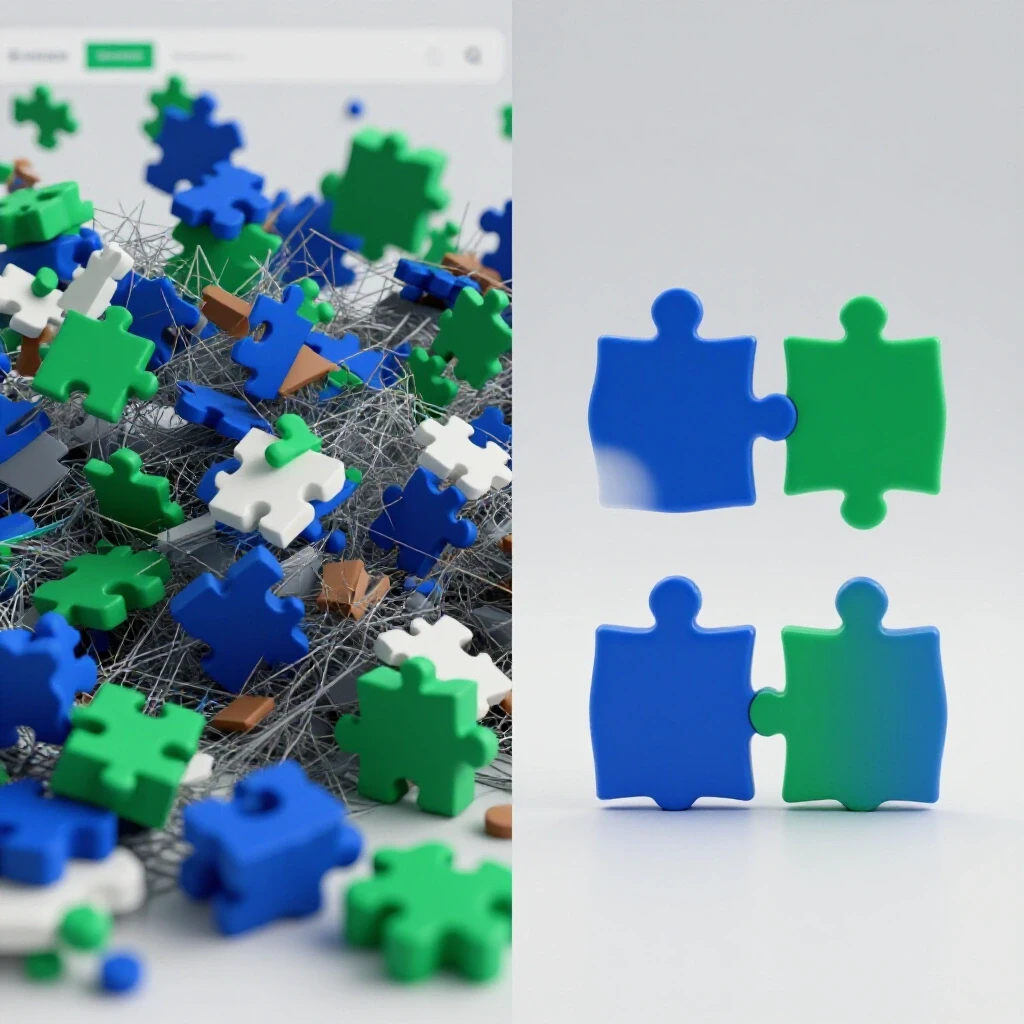
The issue was a subtle disconnect in the offer. The ad promised a “Comprehensive Security Audit,” but the landing page headline focused on “Cloud Storage Solutions.” Technically, the tracking was sound, but the message handshake was broken. To fix this, you must look at your ad copy and your landing page as a single technical unit.
- Review the primary hook: Does the ad headline use the same keywords as the page H1?
- Verify the price point: If the ad mentions a specific discount, is that discount the first thing visible on the page?
- Check the call to action (CTA): If the ad says “Download Now,” the page should not say “Contact Sales.”
Why Disconnected Value Propositions Break Technical Attribution
A value proposition is the specific benefit a product or service promises to deliver. When this promise changes between the click and the page load, it creates a data gap that looks like a technical failure in your analytics dashboard.
When the message on a landing page does not align with the ad, your attribution models suffer. You might see a high volume of “Initiate Checkout” events that never turn into “Purchase” events. From a backend perspective, this looks like a checkout flow bug. In reality, the user realized the offer was not what they expected and abandoned the site.
I use a simple framework to diagnose these gaps. I call it the “Expectation Match Score.” If a user expects a specific solution based on an ad, and the landing page provides a different one, the score is low. This leads to “data noise,” where your pixel records traffic that has no intent to convert. This noise makes it impossible to optimize your bidding algorithms effectively.
- Attribution Drift: This happens when users click an ad for one product but navigate away because the page features a different product.
- Event Mismatch: Your “Lead” event might trigger, but the quality of that lead will be low if the ad and page messages are not synchronized.
- Algorithm Confusion: Machine learning models require consistent conversion signals to find the right audience.
Identifying the Hook Gap in Your Data Logs
A hook gap is a statistical discrepancy where high engagement on an ad does not lead to page engagement. You can spot this by comparing your outbound click-through rate (CTR) with your landing page view rate and conversion rate.
To find these gaps, I look at the ratio between link clicks and landing page views. If you have 1,000 clicks but only 200 views, you might have a loading issue. But if you have 900 views and zero conversions, you likely have a message mismatch. I recently audited a campaign where the ad creative featured a “Limited Time Bonus.” The landing page, however, made no mention of this bonus.
The technical logs showed that users stayed on the page for less than five seconds. They weren’t waiting for a script to load; they were looking for the bonus and leaving when they couldn’t find it. By aligning the landing page headline with the ad’s bonus offer, we saw the conversion rate jump by 40% without changing a single line of tracking code.
| Metric Symptom | Potential Technical Issue | Potential Message Mismatch |
|---|---|---|
| High CTR / Low Page Views | Slow server response or pixel lag | User feels misled by the ad image |
| High Page Views / Low CVR | Broken “Submit” button or API error | Headline does not match the ad’s promise |
| High Bounce Rate | Script execution errors | The offer on the page is different from the ad |
| Low Event Match Quality | Incorrect metadata in CAPI | The user intent changed due to confusing copy |
Mapping Ad Copy to Landing Page Headlines
Message mapping is the technical practice of documenting every ad variation and its corresponding landing page headline. This ensures that every entry point into your funnel maintains a consistent narrative for the user.
When I manage high-spend accounts, I create a mapping matrix. This is a spreadsheet that lists every ad headline in column A and the destination headline in column B. If they don’t share at least three core keywords, I flag it as a risk. This systematic approach prevents the “vague error” of low conversions that haunts many technical specialists.
For example, if an ad for a SaaS tool emphasizes “Automated Reporting,” the landing page must lead with “Automated Reporting,” not “Full-Stack Analytics.” Even though they are related, the specific “hook” must remain the same. This reduces the cognitive load on the user and keeps them in the conversion funnel you have built.
- Identify the “Hero” keyword: What is the one word that makes people click?
- Verify the H1 tag: Ensure this keyword appears in the main heading of the landing page.
- Audit the sub-copy: The supporting text should expand on the ad’s specific claim.
Technical Workarounds for Restoring Data Integrity
A data integrity restoration involves using tracking parameters to isolate which specific messages are causing conversion drops. This allows you to prove to the creative team that certain headlines are not aligning with the backend goals.
If you suspect a message mismatch, you can use dynamic UTM parameters to track the performance of specific headlines. I often set up custom dimensions in Google Analytics or my server-side logs to capture the “Ad Headline” string. By doing this, I can see exactly which messages result in high bounce rates.
This is a powerful technical workaround because it moves the conversation from “I think the copy is bad” to “The data shows this headline has a 95% bounce rate because it doesn’t match the landing page.” It allows you to treat copy alignment as a technical variable that can be tested and optimized just like a pixel event or an API handshake.
- Use
utm_content: Populate this field with the specific ad hook or headline. - Monitor “Time on Page” by Content: Look for headlines that result in very low time on page.
- Analyze Conversion Paths: See if users who click specific ads are more likely to navigate to other pages to find the information they expected.
Case Study: The “Free Trial” That Required a Credit Card
I once worked with a software company that was running ads for a “Free Trial.” The ads were performing excellently in terms of clicks. However, the conversion tracking showed that almost no one was completing the sign-up process. The technical team had already spent a week testing the form for bugs.
I looked at the landing page and noticed that while the headline said “Start Your Free Trial,” the very next line asked for credit card information. The ad creative had never mentioned a credit card requirement. This created a massive expectation gap. Users felt the ad was dishonest, so they left.
We didn’t fix a bug; we changed the ad copy to say “Free Trial – No Credit Card Required” and updated the landing page to match. If we couldn’t remove the credit card requirement, we updated the ad to say “Start Your 7-Day Trial.” The conversion rate stabilized because the message was honest. The “technical” problem was actually a transparency problem.
Actionable Tracking Framework for Message Alignment
A tracking framework for alignment is a set of rules that governs how ads and pages interact to ensure data accuracy. It involves setting benchmarks for engagement that signal whether a message is resonating or confusing the audience.
To implement this, you should set a “discrepancy tolerance.” For example, if your landing page view-to-conversion rate drops below a certain percentage, it should trigger an automatic audit of the creative-to-page handshake. I recommend keeping this discrepancy under 10% for high-intent campaigns.
You can also use tools like heatmaps to see where users click when they arrive on a page. If they are clicking on the headline or searching for a keyword that was in the ad but isn’t on the page, you have found your mismatch. This provides visual evidence of a logical break in your funnel.
- Step 1: Define your baseline conversion rate for aligned campaigns.
- Step 2: Set up alerts for when the rate drops by more than 15%.
- Step 3: Perform a manual “click-through audit” to see the user experience firsthand.
- Step 4: Document the findings in a technical log to prevent future mismatches.
Key Metrics for Measuring Message Harmony
Measuring harmony involves looking at specific data points that indicate a seamless transition from the ad platform to your website. These metrics help you identify the “silent killers” of your ad spend.
When these metrics are healthy, your technical infrastructure can do its job. When they are poor, even the most advanced Conversion API (CAPI) setup won’t save your ROI. I focus on these four key indicators to ensure my backend data reflects real-world user behavior.
- Landing Page View Rate: This should be at least 80% of your link clicks. If it is lower, your ad might be attracting “accidental” clicks or the page is not what users expected.
- Bounce Rate by Ad Source: A bounce rate over 70% on a dedicated landing page usually indicates a message mismatch.
- Event Match Quality (EMQ): While this is a technical metric, a low EMQ can sometimes be caused by users leaving the page before the pixel can even capture their metadata.
- Conversion Rate (CVR): This is the ultimate proof of alignment. A steady CVR suggests the “handshake” is working.
Conclusion and Next Steps
Resolving the disconnect between what you promise in an ad and what you deliver on a page is essential for any technical specialist. It ensures that the data you are tracking is meaningful and that your ad spend is not being wasted on confused users.
Your next step should be to pick your highest-spending campaign and manually click through the ads. Look at the headlines with a critical eye. Ask yourself: “If I only saw this ad, would I be surprised by what I see on the page?” If the answer is yes, you have work to do. Start by aligning the H1 of your landing page with your best-performing ad headline. Then, monitor your conversion logs for the next 48 hours to see if the data stabilizes.
Frequently Asked Questions
How does a message mismatch affect my pixel’s learning phase? When users bounce quickly due to a mismatch, the pixel sends negative signals to the ad platform. The algorithm thinks the audience is wrong, when in reality, the audience is right but the page is confusing. This can trap your ad set in a perpetual learning phase or lead to high costs per thousand impressions (CPM).
Can I use dynamic text replacement to fix this? Yes, dynamic text replacement is a great technical solution. You can pass a keyword from your ad URL into a parameter and have the landing page headline update automatically. This ensures a perfect match every time, which can significantly improve your conversion data.
What is the most common sign of a message gap? The most common sign is a high click-through rate combined with a very high bounce rate. If people are clicking, the ad is working. If they are leaving immediately, the page is failing to fulfill the promise made in that ad.
Does this affect server-side tracking? Indirectly, yes. If a user bounces too fast, the browser might not even fire the initial scripts needed to establish a session ID. This makes it harder for your server-side API to deduplicate events and attribute them to the correct ad.
Should the ad copy be identical to the landing page headline? It doesn’t have to be word-for-word, but the core “value proposition” must be the same. If the ad mentions “Save 20%,” the page should not just say “Sale.” It should specifically mention the 20% discount to reassure the user they are in the right place.
How do I explain this to a creative team that wants “clicky” ads? Show them the data. Use your tracking logs to demonstrate that while “clicky” ads get high CTR, they often lead to zero conversions and wasted budget if they don’t align with the product. High CTR is a vanity metric if the conversion rate is zero.
How often should I audit these transitions? I recommend a manual audit every time you launch a new creative or change a landing page headline. In high-volume accounts, a monthly review of your “Click-to-Conversion” ratios by ad group can help catch mismatches that develop over time.
Can a message mismatch cause an ad account ban? While this guide focuses on performance, extreme mismatches (bait-and-switch) can lead to high report rates from users. If enough users flag your ad as “misleading,” the platform may review your account, which could lead to restrictions.
Does this apply to lead forms within the platform? Absolutely. If your ad promises a “Free Guide” and the instant lead form asks for a “Consultation Call,” you will see a high drop-off rate on the form itself. The message must be consistent through every step of the process.
What tools can I use to monitor this? You can use UTM parameters, heatmapping software, and custom conversion events in your ad manager. Numbered lists of tools include: 1. Google Tag Manager (for dynamic text replacement) 2. Hotjar or Microsoft Clarity (for visual bounce analysis) 3. Custom UTM builders (for granular tracking) 4. Platform-specific Pixel Helpers (to verify event firing)
Is a 5% discrepancy between clicks and views normal? Yes, a small discrepancy is normal due to signal loss or users closing the tab before it loads. However, once that gap exceeds 15-20%, you should look for either a technical loading issue or a major message disconnect.
(This article was written by one of our staff writers, William Prescott. Visit our Meet the Team page to learn more about the author and their expertise.)