Facebook Live vs Recorded Video for Lead Generation (Comparison)
Have you ever sat in a boardroom, staring at a spreadsheet, trying to explain why a raw, thirty-minute live session generated more high-quality leads than a polished, high-budget video ad? I have spent over a decade managing digital brand presences, and this specific tension is one of the most common challenges for marketing managers. We are often caught between the desire for high-end brand aesthetics and the hard data of conversion rates.
In my experience, the choice between real-time broadcasts and pre-produced video assets is not about which is “better” in a vacuum. Instead, it is about understanding how Facebook’s algorithm treats these different formats and how users interact with them when they are on the verge of sharing their contact information. Over the years, I have seen brands retire perfectly good accounts because they couldn’t find this balance, while others thrived by simply shifting their budget to match user behavior.
Defining the Mechanics of Video-Based Lead Capture
Lead generation through video involves using moving images to encourage a viewer to take a specific action, such as filling out a form or visiting a landing page. On Facebook, this usually happens through native lead forms, comment-triggered automation, or pixel-tracked website visits. Understanding these mechanics is the first step toward justifying your budget.
When we talk about capturing customer data, we are looking at two distinct delivery methods. Real-time streaming focuses on immediate interaction and social proof. On the other side, pre-produced assets allow for precise targeting and consistent delivery over a long period. Both rely on the Facebook Pixel—a piece of code on your website—to track if a viewer actually becomes a lead. Without this tracking, you are essentially flying blind, regardless of which format you choose.
The Dynamics of Real-Time Interaction for Data Collection
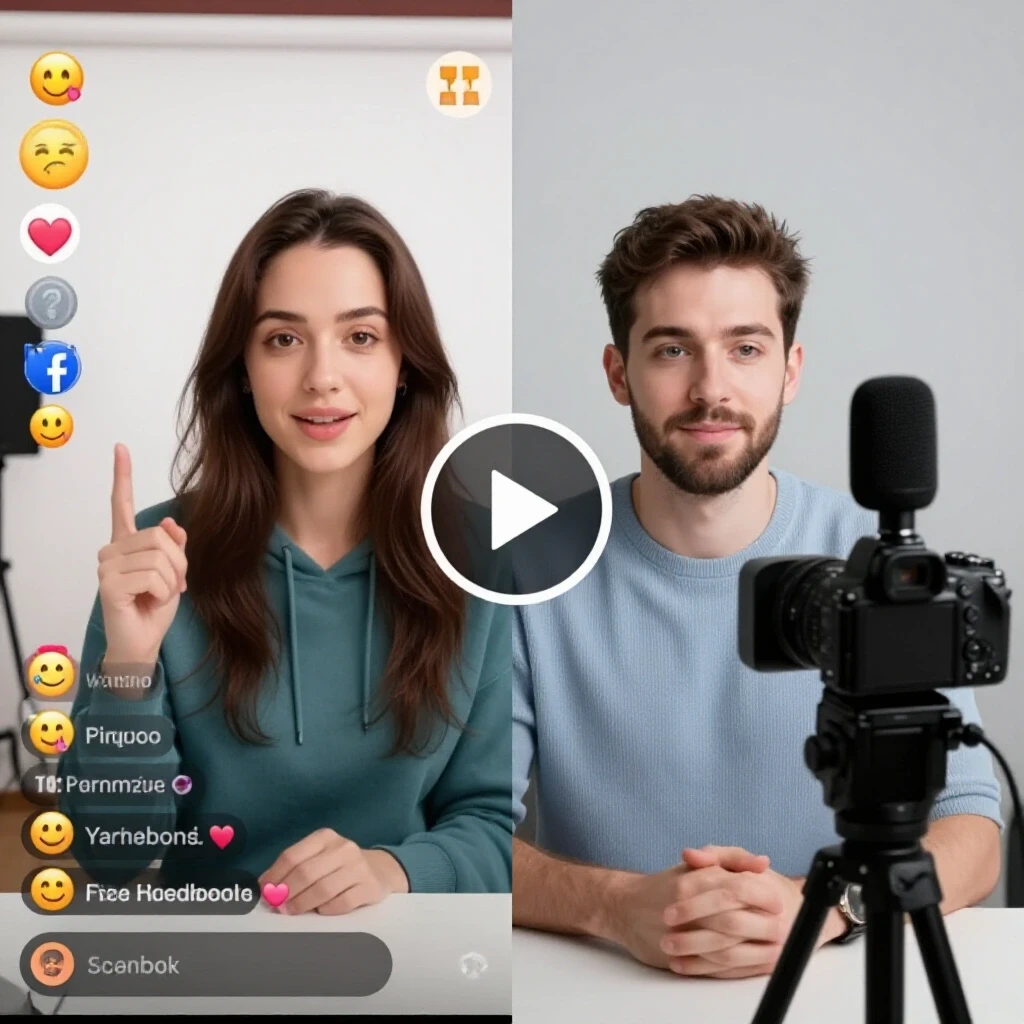
Synchronous video sessions, or live broadcasts, prioritize immediate engagement and high-intensity interaction between the brand and the viewer. This format excels at building trust quickly because the audience sees an unedited, authentic version of the business. It is particularly effective for complex products that require a lot of explanation before a user is willing to sign up.
In one of my previous projects for a financial services firm, we tested a weekly live Q&A session against a series of high-quality recorded explainers. Interestingly, while the recorded videos had a higher click-through rate, the live sessions produced leads that were 30% more likely to convert into paying clients. This happened because the live environment allowed us to address specific objections in the moment. The “organic reach” of these sessions—the number of people who see the content without paid promotion—tends to be higher initially because Facebook notifies followers when a page goes live.
The Precision of Pre-Produced Video Assets
Asynchronous video delivery involves using edited, finished videos that are typically distributed through the Facebook Ads Manager. These assets provide a level of control and predictability that live sessions cannot match. You can test different “hooks”—the first three seconds of a video—to see which one stops the scroll most effectively.
The primary benefit here is the ability to use “Direct-Response” tactics. This means the video is designed with a singular goal: getting the user to click a button. Because these videos are shorter and more focused, they fit perfectly into the “native ad placements” within the Facebook News Feed or Stories. According to research from organizations like eMarketer, shorter, produced videos often see higher completion rates in mobile environments where users have limited time.
Comparing Audience Behaviors and Engagement Patterns
Understanding how different demographics react to video formats is crucial for cross-platform marketing alignment. Younger audiences may prefer the fast-paced nature of edited clips, while mid-career professionals often value the depth of a live deep-dive. These behaviors directly impact your return on investment.
| Metric | Real-Time Broadcasts | Pre-Produced Video Ads |
|---|---|---|
| Average Watch Time | High (10+ minutes) | Low (15-60 seconds) |
| Engagement Rate | High (Comments/Shares) | Moderate (Clicks/Likes) |
| Lead Quality | Very High (High Intent) | Moderate (High Volume) |
| Scalability | Difficult (Requires Talent) | Easy (Automated Delivery) |
| Cost Per Lead (CPL) | Variable | Predictable |
In my longitudinal testing, I have found that “platform-native retention signals”—how long a user stays on the video—are much higher for live content. However, the “Placement-Level CTR” (Click-Through Rate) is usually higher for recorded ads because they are optimized for the “Learn More” button.
Algorithmic Trends and Organic Reach Decay
Facebook’s algorithm is a recommendation engine that decides which content to show users based on thousands of signals. For several years, the platform has prioritized video content that keeps users on the app longer. This has created a significant shift in how we must approach our organic reach comparison.
- Live Advantage: Facebook often sends push notifications to followers when a live stream starts, providing a temporary spike in organic visibility.
- Recorded Advantage: Edited videos can be repurposed into “Reels” or “Stories,” which currently receive a higher distribution priority in the algorithm than standard feed posts.
- The Decay Factor: Organic reach for a live video drops significantly once the broadcast ends. In contrast, a recorded ad can maintain a steady performance for weeks or months as long as the budget supports it.
Strategic Budget Allocation and Bidding Approaches
Deciding how to split your marketing budget is often the most difficult task for a manager. You must justify every dollar to an executive board that wants to see immediate results. A balanced approach usually yields the strongest long-term ROI.
I typically recommend a 60/40 budget split. Spend 60% of your video budget on pre-produced, direct-response ads to maintain a steady flow of leads. This is your “lead channel.” The remaining 40% should go toward promoting your live sessions or the replays of those sessions. This “secondary support” builds the brand authority that makes the primary ads perform better over time. This strategy helps mitigate the risk of “ad fatigue,” where users stop responding to the same recorded video after seeing it too many times.
Troubleshooting Metric Discrepancies and Reporting
One of the biggest pain points for marketing managers is interpreting conflicting data. You might see 100 leads in your Facebook Ads Manager, but your CRM only shows 70. These discrepancies often stem from “attribution windows”—the period of time a platform takes credit for a conversion after a user views an ad.
When reporting to clients or boards, I focus on “actual business outcomes” rather than “vanity metrics” like likes or views. For live sessions, track the “Comment-to-Lead” ratio. For recorded videos, focus on the “Landing Page View-to-Lead” conversion rate. Using a “unified report card” allows you to compare these two formats side-by-side without getting lost in the technical noise of the platform’s internal reporting.
Actionable Framework for Video Lead Generation
To help you implement these strategies, I have developed a checklist that I use for every new campaign. This ensures that we are not just making “content,” but building a lead-generating machine.
- Define the Conversion Parameter: Are you using Facebook’s native lead forms or an external website? Native forms usually have a lower cost per lead, but external sites often provide higher-quality data.
- Map the Audience Overlay: Ensure your targeting doesn’t overlap too much between your live and recorded campaigns. You don’t want to pay to show the same person two different ads at the same time.
- Audit the Retention Signals: Look at your video retention charts in Facebook Insights. If people drop off in the first 3 seconds of your recorded video, your “hook” is weak. If they drop off 5 minutes into a live session, your content is losing its value.
- Verify Pixel Integration: Before spending a single dollar, use the Facebook Pixel Helper to ensure that every lead event is being tracked correctly.
- Set a Cost-Per-Click (CPC) Ceiling: Determine the maximum you are willing to pay for a click based on your average customer lifetime value. If a format exceeds this, pause it immediately.
Why Conflicting Algorithms Complicate Budgets
The reality of modern marketing is that platform rules change constantly. What worked six months ago might not work today because of an “API integration shift” or a change in how Facebook weights “meaningful social interactions.” This is why a “placement-level blueprint” is essential.
I once managed a campaign where the organic reach of our live videos plummeted overnight. After investigating, we realized the algorithm had started penalizing videos that used “engagement bait” (asking people to “type YES in the comments”). We had to pivot our live strategy to focus on genuine questions, which actually improved the quality of the leads we captured, even if the total number of comments went down. This is the kind of nuance that helps you justify budget shifts to a demanding client.
Conclusion and Next Steps
The most successful marketing managers don’t choose one format over the other; they use both to create a cohesive funnel. Real-time broadcasts build the trust and authority needed to close a sale, while recorded assets provide the reach and frequency needed to fill the top of the funnel.
As a next step, I suggest conducting a “side-by-side test.” Allocate a small portion of your budget to a live Q&A session and an equal portion to a short, edited version of that same content. Compare the cost per lead and, more importantly, the lead-to-sale conversion rate. This data will be your strongest weapon the next time you need to justify your marketing spend to your executive board.
FAQ: Navigating Video Lead Generation on Facebook
Does Facebook prioritize live video over recorded video in the feed? Yes, Facebook’s algorithm generally gives a temporary ranking boost to live broadcasts while they are happening. This is designed to encourage real-time interaction. However, once the live session ends, its organic reach decays quickly, whereas a recorded video ad can maintain consistent visibility through paid distribution.
Which format is better for a small marketing budget? Recorded video is often better for tight budgets because it is more “scalable.” You can spend as little as $5 a day to show a high-performing edited clip to a very specific audience. Live video requires more time and “talent” resources, which can be expensive if the session doesn’t result in immediate leads.
How do I track leads from a live session? The most effective way is to use a “comment automation” tool. When a viewer comments a specific keyword during your live stream, the tool automatically sends them a direct message with a link to your lead form. You can also place a link in the video description, though this typically sees lower conversion rates.
What is a “good” lead conversion rate for Facebook video? While it varies by industry, a healthy conversion rate for a native Facebook lead form is typically between 10% and 15%. For an external landing page, 3% to 5% is considered standard. If your rates are lower, you likely have a mismatch between your video content and your targeting.
Should I use the same video for both ads and organic posts? Not necessarily. Organic posts should focus on community building and engagement. Ads should be “direct-response” focused, with a clear call-to-action. While you can “boost” an organic post, a dedicated ad asset usually performs better for specific lead generation goals.
How long should a recorded lead gen video be? Data from most placement-level benchmarks suggests that 15 to 60 seconds is the “sweet spot” for feed ads. For Stories or Reels, aim for under 15 seconds. If your product is complex, use the short video to drive users to a longer landing page or a live replay.
Can I retarget people who watched my live stream? Absolutely. This is one of the most powerful strategies in Facebook marketing. You can create a “Custom Audience” of people who watched at least 50% of your live broadcast and then show them a recorded video ad with a specific offer.
What is the “hook” in a lead generation video? The hook is the first 3 seconds of the video. It must address a specific pain point or ask a compelling question to stop the user from scrolling. Without a strong hook, the rest of your video—no matter how good it is—will never be seen.
Why are my Facebook leads “low quality”? Low-quality leads often happen when the friction to sign up is too low. If you are using native lead forms, try adding one or two “custom questions” that require the user to type an answer. This filters out people who are just clicking buttons without reading.
How do I justify the cost of “live” sessions to my boss? Focus on the “Lead-to-Close” ratio. Live sessions often produce more “sales-ready” leads because the viewer has spent more time with the brand. Show your board that while the CPL might be higher, the “Cost Per Acquisition” (CPA) is often lower.
(This article was written by one of our staff writers, Jonathan Mercer. Visit our Meet the Team page to learn more about the author and their expertise.)