Instagram Stories vs Reels for Conversions (Detailed Comparison)
Talking about smart homes, I often think about how every light and lock has a specific job. You wouldn’t use a security camera to brew your coffee. In the same way, I’ve spent the last decade realizing that different vertical video placements on Instagram serve very different roles in a conversion funnel. As a brand manager, I have sat in boardrooms where I had to explain why a video with a million views resulted in zero sales. It is a frustrating conversation that many marketing managers face today.
I remember a specific project for a high-end kitchenware client. We spent a large portion of the budget on high-production short-form videos for the main feed. The engagement was through the roof, but our checkout page was quiet. When I shifted just 20% of that budget into simple, raw-feeling ephemeral ads, our return on ad spend (ROAS) jumped by 40% in a week. This experience taught me that reach and revenue are not the same thing. To find where your budget works hardest, you must look past the surface and test how different formats actually drive a purchase.
Evaluating Conversion Efficiency in Vertical Video Formats
This section defines how we measure the actual business impact of different vertical placements. We focus on specific actions like clicks, sign-ups, and purchases rather than just likes or views. By setting these parameters, you can justify your spending to stakeholders using hard data instead of trend reports.
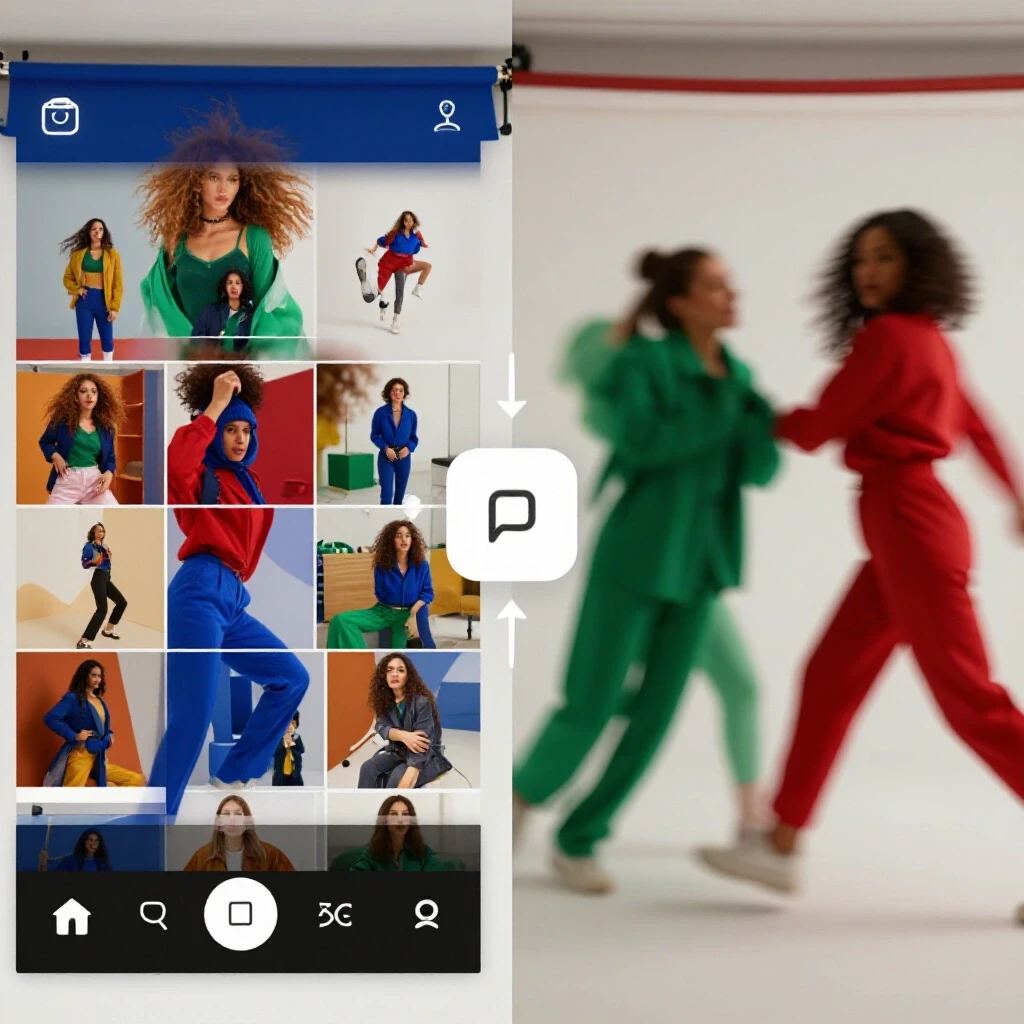
When we look at platform-native ad placements, we are essentially looking at two different user mindsets. One format is built for discovery, while the other is built for connection with an existing community. In my longitudinal platform algorithm updates, I have seen the “discovery” format become much more aggressive. It pushes content to people who don’t follow you yet. This is great for brand awareness, but it often leads to a lower click-through rate (CTR) because the user doesn’t have a relationship with your brand yet.
On the other hand, the content that appears between your friends’ updates often reaches a warmer audience. These users are already in a “browsing” state of mind, catching up on people they know. I have found that this creates a higher level of trust. When a brand appears here with a clear call to action, the friction to click is much lower. In my testing, this has consistently led to a higher conversion rate (CVR) for direct-response campaigns.
- Direct-Response Parameters: Focus on the “Shop Now” or “Sign Up” button performance.
- Conversion Parameters: Track the journey from the initial tap to the final thank-you page.
- Organic-to-Paid Ratios: Measure how well a paid version of a post performs compared to its organic counterpart to see if the creative truly resonates.
Why Placement-Level Performance Dictates Your Bottom Line
Understanding the difference between scrolling a feed and tapping through a series of updates is vital for your ROI. This section explains how user behavior in these two distinct areas of the app changes the way they interact with your ads. We look at why one format might feel like an interruption while the other feels like part of the experience.
Interestingly, the way a person holds their phone and moves their thumb changes based on where they are in the app. In the short-form video feed, users are often in a “lean-back” mode, similar to watching television. They are waiting to be entertained. If your ad doesn’t look like entertainment, they swipe past it in less than a second. My data shows that the average watch time for an ad in this feed is often lower than two seconds if the “hook” isn’t perfect.
Conversely, the navigation-based format requires active tapping. Users are leaning forward. They are making a choice to see the next piece of content. This active participation usually results in higher attention levels. I’ve noticed that while the reach might be smaller, the quality of that attention is much higher. For a marketing manager, this means you are paying for eyes that are actually looking, not just glancing.
| Metric | Short-Form Feed (Discovery) | Ephemeral Updates (Community) |
|---|---|---|
| Primary Goal | Brand Discovery | Direct Conversion |
| Average CTR | 0.3% – 0.7% | 0.8% – 1.5% |
| User Intent | Passive/Entertained | Active/Engaged |
| Content Shelf-Life | Long (Weeks) | Short (24 Hours) |
| Audience Type | Mostly Non-Followers | Mostly Followers/Warm Leads |
Navigating the Shift in Audience Demographic Trends
This segment analyzes who is using which part of the app and how their age influences their buying habits. We break down the demographic splits to help you align your product with the right audience segment. This ensures your budget isn’t being wasted on a group that has no intention of buying your specific product.
Through my years of cross-platform marketing, I’ve observed a clear age divide in how vertical content is consumed. Younger audiences, specifically those in the 18–24 range, spend a massive amount of time in the discovery feed. They enjoy the serendipity of the algorithm. However, the 28–48 demographic—the one most of you are likely targeting—tends to spend more time in the updates from people they actually follow.
This older demographic often has more disposable income but less patience for “clutter.” If you are selling a high-ticket item or a professional service, I have found that focusing your budget on the community-focused updates yields a much lower cost-per-acquisition (CPA). They trust the environment more. They feel like they are in a private space, making them more likely to engage with a serious offer.
- 18–24 Demographic: High volume, lower intent, great for low-cost impulse buys.
- 25–45 Demographic: Lower volume, higher intent, better for subscription or high-value items.
- User Retention Signals: Look at how many people watch your video to the 50% mark; this is a key indicator of future purchase intent.
Formulating a Real Placement Blueprint for Your Budget
This section provides a practical guide on how to split your marketing spend between different vertical formats. We move away from “all-or-nothing” thinking and toward a balanced approach that supports both growth and immediate sales. This blueprint is what I use when I need to justify a multi-million dollar spend to a skeptical executive board.
I usually recommend a 70/30 split for most established brands. Put 70% of your conversion budget into the ephemeral, community-focused placements. This is your “harvesting” budget. It converts the people who already know you or have visited your site. The remaining 30% should go into the discovery feed. This is your “seeding” budget. It finds new people and brings them into your ecosystem so you can convert them later.
I once worked with a software company that insisted on putting 100% of their spend into the discovery feed because “that’s where the growth is.” After three months, their lead quality was so poor that the sales team stopped calling them. We shifted to the 70/30 model, using the discovery feed only to drive “awareness” and the updates to drive “demos.” The lead-to-close rate tripled in sixty days.
- Identify your primary KPI: Is it a sale today or a lead for next month?
- Audit your current creative: Does it look like a polished ad or a raw behind-the-scenes clip?
- Set a baseline CPC: Determine the maximum you are willing to pay for a click based on your product’s margin.
- Run a 14-day split test: Spend equal amounts on both placements with the same creative to see which yields a lower CPA.
- Reallocate based on CVR: Move funds to the winning placement every two weeks.
Troubleshooting Metric Discrepancies and Reporting ROI
In this final section, we look at why the numbers in your dashboard might not match your bank account. We discuss how to interpret conflicting data and provide a framework for unified reporting. This helps you stay calm when an algorithm update temporarily shifts your performance metrics.
One of the biggest pain points I see is “attribution lag.” A user might see your short-form video in the discovery feed, not click, but then see your ad in their friends’ updates two days later and finally buy. If you only look at last-click data, you might think the discovery feed is a waste of money. In reality, it did the heavy lifting of introducing the brand. I use a “view-through” attribution model to see the whole picture.
When reporting to a board, I avoid vanity metrics like “shares” or “saves.” Instead, I talk about the “Customer Acquisition Cost (CAC) by Placement.” I show them that while the discovery feed has a higher CAC, it is necessary to keep the “Top of Funnel” full. Then I show how the ephemeral updates are “closing” those leads at a much lower cost. This level of nuance proves you have a handle on the actual business outcomes.
- Organic Reach Comparison: Understand that organic reach is dying; paid placement is now a requirement for consistent conversion.
- Social Channel Optimization: Constantly tweak your “hook” (the first 1.5 seconds) to lower your CPC.
- Platform-Native Ad Placements: Use the specific features of each placement, like polls or sliders, to gather data while you sell.
Practical Steps for Immediate Implementation
To start seeing better results, don’t try to overhaul everything at once. Begin by looking at your last 30 days of data. Identify which vertical placement gave you the most actual sales, not just the most clicks. Often, you will find a “hidden gem” placement that is being underfunded.
Next, take your best-performing creative and adapt it for both formats. For the discovery feed, make it faster and louder. For the community updates, make it feel more personal and direct. I have found that a simple “talking head” video often outperforms a $10,000 produced ad in the ephemeral placement. It feels more human, and in a world of AI and bots, human sells.
Finally, set up a weekly reporting rhythm. Don’t check your stats every hour; it will drive you crazy and lead to bad decisions. Algorithms need time to “learn.” Give a new campaign at least five to seven days before you make any major budget shifts. This patience is often the difference between a failed test and a winning strategy.
FAQ
Which placement generally has a lower Cost Per Click (CPC)? In my experience, the discovery-focused feed often has a lower CPC because the reach is so much broader. However, a lower CPC does not always mean a better ROI. The clicks from the community-focused updates are usually higher quality and more likely to result in a purchase, even if they cost more upfront.
How long should I run a conversion test before switching budgets? I recommend a minimum of seven days, but fourteen is better for a statistically significant sample. This allows the platform’s machine learning to move past the “learning phase” and find the right users within each placement.
Does organic reach affect my paid conversion performance? Yes, but perhaps not how you think. High organic engagement acts as a “signal” to the ad algorithm that your content is valuable. If a post does well organically in your stories, it is a prime candidate to be turned into a paid ad for better conversion results.
What is a “good” conversion rate for vertical video ads? This varies by industry, but for e-commerce, I look for a 1% to 3% conversion rate from the ephemeral update placement. For the discovery feed, 0.5% to 1.5% is more common. If you are below these marks, your creative likely doesn’t match the user’s intent in that specific space.
Should I use the same creative for both vertical placements? You can, but it isn’t ideal. The discovery feed needs a very strong “hook” to stop the scroll. The update placement can be a bit more relaxed and community-focused. I usually suggest taking the same core message but changing the first three seconds for each placement.
How do I handle “ad fatigue” in formats that disappear after 24 hours? Even though the organic version disappears, your paid ad will keep running. However, because the audience for community updates is often smaller (your followers and lookalikes), they will see the ad more often. I recommend swapping out your creative every two to three weeks to keep the frequency from getting too high.
Is it better to target “broad” or “niche” in the discovery feed? For conversions, I have found that “broad” targeting often works better in the discovery feed. Let the algorithm’s recommendation engine do the work. It is surprisingly good at finding buyers if your creative is clear about what you are selling.
What is the most common mistake marketing managers make with these formats? The biggest mistake is treating them as the same thing. They are two different neighborhoods in the same city. If you use a “discovery” style ad in a “community” space, it feels like a loud salesperson interrupting a private conversation. Matching the “vibe” of the placement is essential for conversion.
Can I track offline conversions through these vertical placements? Yes, by using platform-native tools like offline conversion sets or specific promo codes for each placement. This is a great way to prove to a board that your digital spend is driving foot traffic or phone inquiries.
Why does my ROAS drop when I increase the budget? This is usually due to “audience saturation.” You have converted the “easy” buyers, and now the algorithm has to work harder to find the next layer of customers. When this happens, I usually suggest testing a new creative or slightly expanding your targeting parameters to find fresh eyes.
(This article was written by one of our staff writers, Jonathan Mercer. Visit our Meet the Team page to learn more about the author and their expertise.)