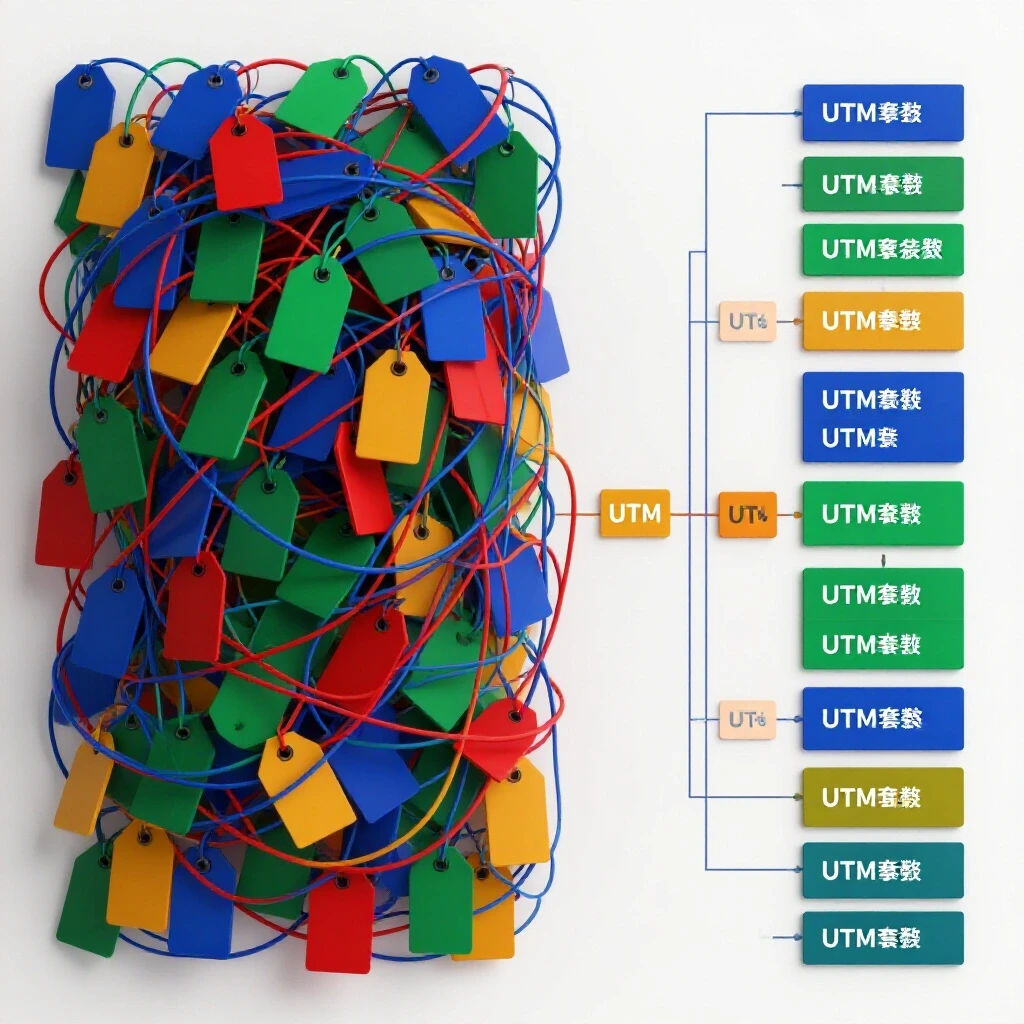
How to Fix Ad Reporting Issues With Campaign Naming Systems (Guide)
Have you ever spent six hours debugging a sudden drop in conversion reporting only to realize the issue was not a broken script, but a single missing underscore in a campaign name? I have been there, staring at a screen at 2:00 AM, tracing API payloads to find out why a high-spend account was suddenly blind to its own performance. In my 12 years of handling technical troubleshooting marketing, I have learned that the most complex tracking failures often stem from the simplest organizational errors.
Early in my career, I managed a global account where three different agencies were launching ads simultaneously. Because there was no unified system for labeling their work, our data warehouse could not join the ad spend with the backend sales data. The resulting 40% discrepancy in reporting nearly led to a total account suspension. We solved it not with a new tool, but by building a rigid, machine-readable syntax for every campaign launched. This approach restored our backend attribution fixes and saved the account from a permanent data blackout.
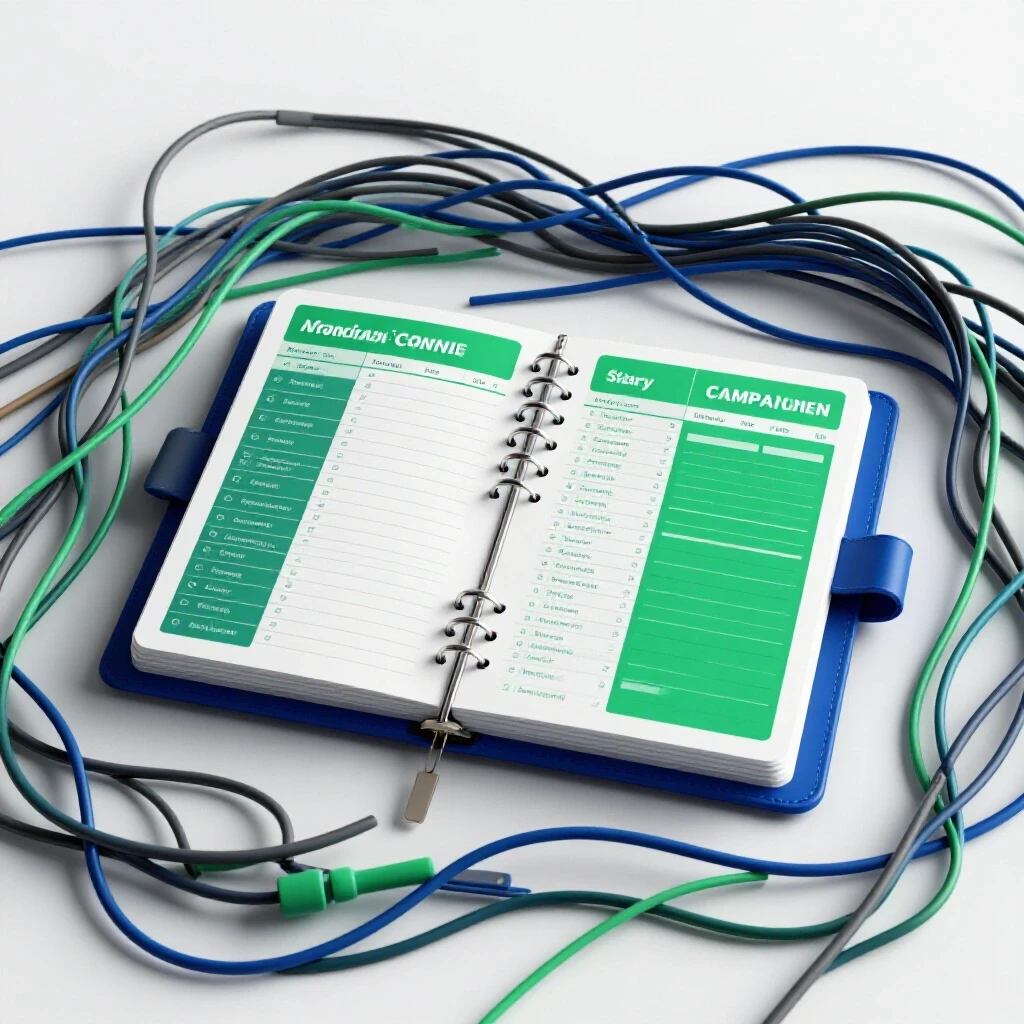
Auditing the Technical Pathways of Ad Data Flow
This foundational process involves mapping every touchpoint a piece of data travels through, from the initial ad click to the final server-side event. By auditing these pathways, technical specialists can identify where naming inconsistencies or script errors cause data to leak or fail to register in the final reporting dashboard.
Before you can fix a reporting gap, you must understand the “handshake” between the ad platform and your server. When a user clicks an ad, the platform appends a unique ID to the URL, such as a fbclid or gclid. If your naming system does not account for how these IDs are captured and passed to your tag manager, your conversion pixel debugging will never be fully accurate. I always start by checking if the URL parameters are being stripped by a redirect or a security plugin.
A common roadblock I encounter is “CNAME cloaking,” where browsers block third-party tracking scripts. To counter this, I recommend setting up a first-party tracking domain. This ensures that the data sent from the browser to your server remains intact. When your campaign names are standardized, you can easily filter these server logs to see if specific campaigns are experiencing higher latency or packet loss than others.
- Check for URL redirects that strip UTM parameters.
- Verify that your server-side API is receiving the correct campaign metadata.
- Audit your tag manager triggers to ensure they fire on all standardized URL strings.
- Monitor your pixel loading latency to ensure it stays under 200ms.
The Architecture of Standardized Metadata for Technical Specialists
Standardized metadata refers to a strict, pre-defined syntax used to name campaigns, ad sets, and ads to ensure they are machine-readable. This structure allows automated systems and web analysts to parse strings of text into distinct data columns, which is essential for accurate cross-platform reporting and technical troubleshooting.
When I build a naming framework, I treat it like a database schema. Each segment of the name must be separated by a consistent delimiter, such as a hyphen or an underscore. For example, a campaign might be named US_FB_PROD_RE_0124. This tells me the country, platform, product, objective, and launch date at a glance. More importantly, it allows my scripts to automatically pull this data into a reporting tool without manual cleaning.
Using dynamic placeholders is a critical technical workaround. Platforms like Meta and TikTok allow you to use curly brackets, such as {{campaign.name}}, to pull information directly into your tracking templates. If your campaign names are messy, these templates will pass “garbage data” to your analytics. I have seen countless conversion tracking failures caused by specialists who manually typed UTM parameters and made typos, leading to a 15% drop in attributed revenue.
- Define a global delimiter (e.g., an underscore) and stick to it.
- List all required dimensions: Platform, Audience, Creative Type, and Date.
- Implement dynamic parameters in your ad-level tracking templates.
- Create a “Naming Key” document that all team members must follow.
| Dimension | Example Value | Purpose |
|---|---|---|
| Geography | US | Identifies the target region for data segmentation. |
| Platform | FB | Allows for cross-channel performance comparison. |
| Objective | CONV | Helps in troubleshooting conversion pixel firing. |
| Version | V1 | Tracks iterations for API tracking restoration. |
Resolving Conversion Pixel Debugging and API Discrepancies
Conversion pixel debugging is the technical process of identifying and fixing errors in how tracking scripts capture user actions on a website. This often involves comparing browser-side events with server-side API data to ensure that every conversion is accounted for and correctly attributed to the right marketing source.
In the era of privacy-first browsing, relying solely on browser-side pixels is a recipe for data loss. I frequently see specialists struggle with “Event Match Quality” (EMQ) scores. An EMQ score measures how well your server-side data matches the platform’s user database. If your campaign naming doesn’t align with your backend event IDs, the platform cannot link the conversion to the ad. I aim for an EMQ score of 6.0 or higher to maintain stable attribution.
When I am debugging a broken conversion tag, I use the platform’s payload helper tools to inspect the data being sent. If the campaign_name field in the API call doesn’t match the name in the ad manager, the attribution will fail. This is why a standardized system is not just about organization; it is a technical requirement for API tracking restoration. Keeping your data discrepancy tolerances under 5-10% is only possible when your names and IDs are perfectly synced.
- Use a browser extension to verify pixel events in real-time.
- Compare server-side logs against browser-side event counts daily.
- Ensure the
external_idparameter is passed consistently across all events. - Validate that your API tokens are active and have the necessary permissions.
Strengthening Ad Account Security Protocols Through Naming
Ad account security protocols are the technical measures and access controls put in place to protect advertising infrastructure from unauthorized access or malicious activity. Using a standardized naming system can act as an early warning system, helping specialists quickly identify unauthorized campaigns that do not follow the established syntax.
I once worked with a client whose Business Manager was compromised. The hackers launched dozens of ads with vague names like “Test_123” and “Promo_New.” Because we had a strict naming protocol in place, our automated monitoring script flagged these campaigns immediately. The script was looking for our specific syntax; when it found something that didn’t match, it paused the campaign and alerted my team. This saved the client thousands of dollars in fraudulent spend.
Security is not just about passwords; it is about visibility. By enforcing a naming standard, you make it much harder for a “shadow” campaign to run unnoticed. I also recommend a monthly audit of user access levels. Technical specialists should have “Developer” or “Analyst” roles rather than “Admin” unless absolutely necessary. This limits the potential damage if a single account is breached.
- Set up automated alerts for any campaign launched without the standard prefix.
- Use multi-factor authentication (MFA) for every user in the Business Manager.
- Limit API token access to specific IP addresses where possible.
- Conduct a quarterly review of all third-party app permissions.
Implementing Server-Side Tracking and API Handshakes
Server-side tracking is a method of data collection where user actions are sent directly from the website’s server to the ad platform, bypassing the user’s browser. An API handshake is the secure authentication process that allows these two systems to communicate and share data reliably without relying on cookies.
The shift toward server-side tracking (CAPI) is the biggest technical hurdle for specialists today. Unlike a browser pixel, which is easy to see in the page source, CAPI happens in the background. To verify it is working, I use API payload testers to ensure the data packet contains the correct campaign identifiers. If your naming convention is inconsistent, you will find it nearly impossible to trace a specific conversion back to a specific server request.
One common mistake is failing to deduplicate events. When you send both a browser event and a server event for the same purchase, the platform needs a unique event_id to know they are the same. I use a combination of the order ID and a shortened version of the campaign name to create this unique key. This ensures our backend attribution fixes are accurate and that we are not double-counting conversions.
- Configure a tagging server (like Google Tag Manager Server-Side).
- Generate a permanent API access token from the ad platform.
- Map your website’s data layer variables to the API’s required fields.
- Test the handshake using a “test event” code to see real-time data flow.
Technical Workarounds for Vague Platform Error Messages
Platform error messages are often intentionally vague, such as “Internal Error” or “Tracking Issue,” which can halt ad spend without providing a clear fix. Technical workarounds involve using diagnostic tools, log analysis, and systematic testing to uncover the root cause of these errors and restore campaign functionality.
We have all seen the dreaded “Missing Parameter” error. Usually, this happens because the platform’s crawler cannot find the expected metadata on your landing page. I have found that by including the campaign ID directly in the naming convention, I can quickly search my server logs for that specific ID to see if the crawler was blocked by a firewall or a 404 error. This turns a vague message into a specific technical task.
Another common issue is the “Ad Disapproved” notice for “Destination Requirements.” Often, this isn’t an issue with the content, but with the tracking URL being too long or containing illegal characters. A clean naming system helps keep your URLs short and predictable. If an ad is flagged, I first check if the UTM string exceeds the character limit or if a dynamic parameter is failing to populate, creating a broken link.
| Error Message | Likely Technical Cause | Diagnostic Step |
|---|---|---|
| Event Mismatch | Naming syntax doesn’t match backend. | Verify UTM parameters in the ad manager. |
| API Authentication Failed | Token expired or lacks permissions. | Refresh the permanent access token. |
| Low Match Quality | Missing user signals (email, phone). | Audit the data layer for missing variables. |
| Policy Violation | Tracking URL redirects to a new domain. | Check for unauthorized CNAME cloaking. |
Establishing a Daily Tracking Log and Monitoring Framework
A daily tracking log is a systematic record of all technical changes, performance shifts, and error logs within an ad account. This framework allows specialists to maintain a “source of truth,” making it easier to pinpoint exactly when and why a tracking discrepancy or technical failure occurred.
I maintain a simple technical log for every account I manage. This isn’t a high-level performance report; it is a record of when we updated a pixel, changed a naming convention, or refreshed an API token. When a client asks why their conversion data dropped on Tuesday, I can look at the log and see that we deployed a new tag manager container that morning. This level of detail is what separates a senior specialist from a junior one.
Monitoring should be automated where possible. I use scripts to check for “404” errors on all active ad URLs every hour. If an ad’s destination is broken, the script pauses the campaign automatically. This proactive approach to technical troubleshooting marketing prevents wasted spend and protects the integrity of our data attribution.
- Log all changes to pixels, CAPI, or naming schemas.
- Set up automated URL status checks for all active campaigns.
- Monitor API feedback loops for any sudden increase in error rates.
- Review the “Event Manager” daily for any new warnings or red flags.
Conclusion and Technical Next Steps
Implementing a rigorous naming system is the single most effective way to protect your data integrity and simplify your technical troubleshooting. It creates a common language between your ads, your website, and your backend database. While it requires discipline to set up, the long-term benefits for API tracking restoration and backend attribution fixes are undeniable.
Start by auditing your current campaigns. Identify where the naming is inconsistent and create a new, standardized template today. Once your names are clean, you can begin the more advanced work of server-side tracking and API optimization with the confidence that your data is accurate and machine-readable.
FAQ
What is the best delimiter to use in campaign names?
I recommend using an underscore _ or a hyphen -. Avoid using spaces, slashes, or special characters like @ or #, as these can be misinterpreted by API scripts or URL encoders, leading to broken tracking strings.
How does a naming system help with conversion pixel debugging? A naming system allows you to pass specific identifiers through UTM parameters. When a conversion fails, you can look at your server logs and search for that specific campaign string to see if the pixel fired or if the data was lost during the API handshake.
Can I change my naming convention for active campaigns? I do not recommend changing names on active campaigns, as this can break existing reporting links and may reset the platform’s learning phase. Instead, apply the new system to all new campaigns and let the old ones finish their run.
What are dynamic parameters in ad tracking?
Dynamic parameters are placeholders provided by ad platforms, such as {{campaign.id}} or {{adset.name}}. When the ad is served, the platform replaces these placeholders with the actual data, ensuring your tracking is always synced with your campaign structure.
How do I handle naming for multiple agencies in one account? Create a mandatory naming template that includes an “Agency ID” prefix. This ensures that you can easily segment data by agency and that everyone follows the same technical troubleshooting marketing protocols.
Why is my Event Match Quality (EMQ) score low despite a good naming system? A naming system helps with attribution, but EMQ depends on the amount of user data (like hashed email or phone numbers) you send via CAPI. Ensure your data layer is capturing these variables and passing them correctly to the API.
How often should I audit my campaign naming and tracking? I perform a light audit weekly and a deep technical dive monthly. This includes checking for naming outliers, verifying API token health, and ensuring that data discrepancies remain within the 5-10% tolerance range.
What is the most common mistake in campaign naming? The most common mistake is lack of consistency. Even a small change, like using “US” in one campaign and “USA” in another, will prevent your reporting scripts from grouping the data correctly, leading to manual work and potential errors.
Does a naming system affect ad performance or delivery? Directly, no. However, indirectly, a good system allows for better data attribution. When the platform receives accurate conversion data, its machine-learning algorithms can optimize your ad delivery more effectively.
How do I use naming conventions to identify security breaches? By setting up an automated script that flags any campaign that does not follow your specific naming syntax. If an unauthorized user gains access and launches ads, they likely won’t know your internal naming code, making their ads easy to spot.
(This article was written by one of our staff writers, William Prescott. Visit our Meet the Team page to learn more about the author and their expertise.)