Facebook Pixel vs TikTok Pixel: Tracking Issues Explained (Guide)
Focusing on the hidden benefits of accurate data collection allows you to move beyond basic reporting and into the realm of true strategic growth. When you can trust the numbers coming from your social channels, you stop guessing where to put your next dollar. I have spent over a decade watching platforms evolve, and the most successful managers are those who understand the “why” behind the data discrepancies they see every morning.
Decoding the Mechanics of Social Media Event Measurement
Social media tracking codes are small snippets of JavaScript placed on your website to monitor user behavior. These tools help platforms identify when a person from an ad takes a specific action, such as adding an item to a cart or completing a purchase, allowing for better ad optimization.
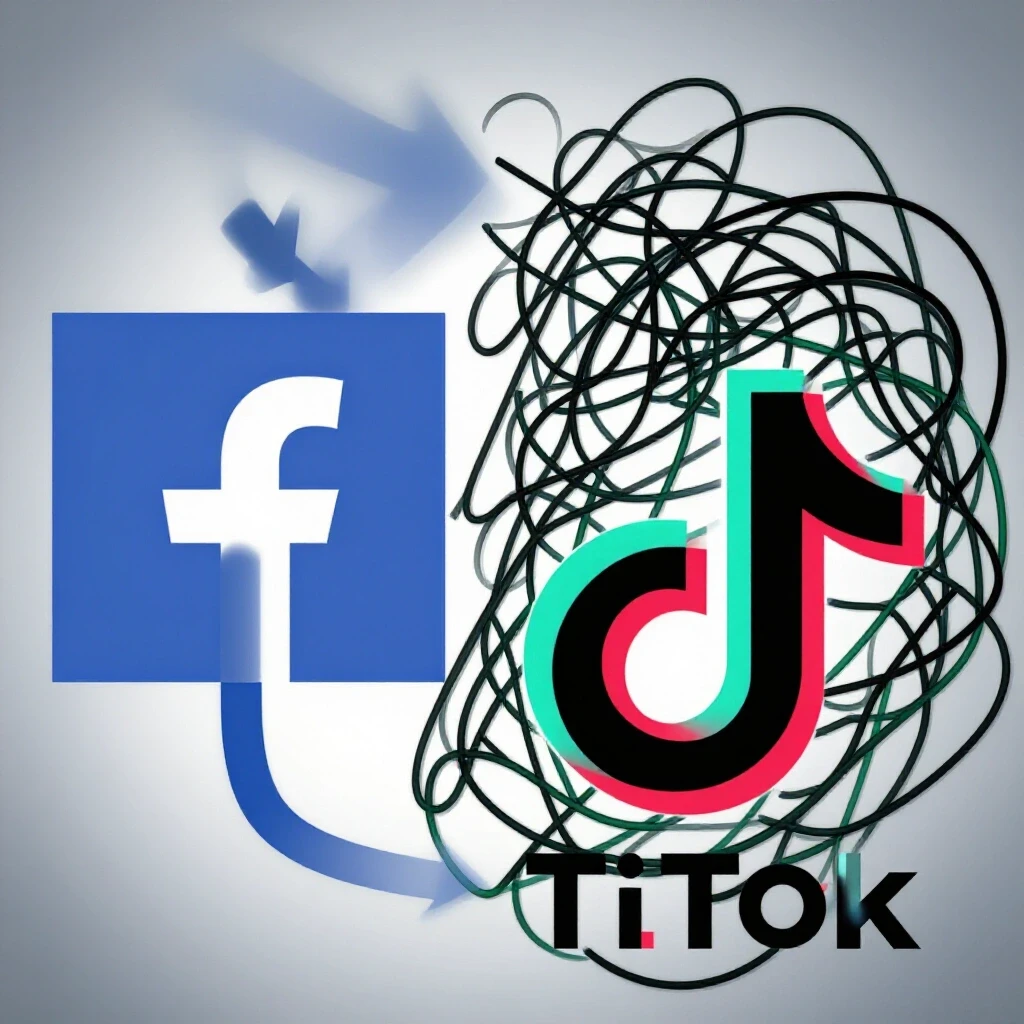
In my early years managing multi-million dollar budgets, I assumed that every tracking snippet worked the same way. I was wrong. Meta’s tracking code, which many of us have used for years, relies on a massive, long-term identity graph. It is very good at identifying users across different devices because most people stay logged into their accounts on both mobile and desktop.
TikTok’s event tag is younger and operates differently. It relies heavily on immediate, session-based signals and the mobile app environment. Because TikTok users are almost exclusively on mobile, the way the tag captures data is often more “bursty.” During a recent cross-platform marketing test for a retail client, I found that TikTok often reported conversions faster, but Meta was better at “finding” the user again three days later if they switched from their phone to a laptop to finish the checkout.
| Feature | Meta Tracking Snippet | TikTok Event Tag |
|---|---|---|
| Primary Environment | Cross-device (Mobile/Desktop) | Mobile-first |
| Data Maturity | High (Decade+ of history) | Emerging (Rapidly evolving) |
| Optimization Focus | Long-term conversion windows | Immediate engagement and trends |
| Identity Matching | Email, Phone, Browser ID | Device ID, In-app behavior |
Why Attribution Windows Complicate Budget Decisions
Attribution is the set of rules that decides which ad gets credit for a sale. Because different platforms use different default timeframes—such as a 7-day click window versus a 1-day click window—your total reported sales across all dashboards will often exceed your actual bank deposits.
I remember a tense board meeting three years ago where I had to explain why our Meta dashboard showed $50,000 in sales, while TikTok showed $30,000, but the company’s total revenue was only $60,000. This happens because of “overlap.” A user might see a TikTok video in the morning, click a Meta ad in the afternoon, and then buy. Both platforms want to take 100% of the credit.
To justify your budget, you must normalize these windows. Meta’s standard is now a 7-day click and 1-day view. TikTok often defaults to a 30-day click and 1-day view. If you don’t adjust these to match, your platform comparison analysis will be skewed. I always recommend setting both to a 7-day click window for a fair side-by-side test.
Navigating Signal Loss in a Privacy-First Era
Privacy updates, such as Apple’s App Tracking Transparency (ATT), have changed how browsers and apps share data with advertisers. These changes mean that a significant portion of user behavior is now “dark,” making it harder for tracking snippets to link an ad click to a final sale.
This is where the biggest headache for modern managers lies. When a user opts out of tracking on their iPhone, the “signal” is lost. Meta has fought this by using “Aggregated Event Measurement,” which tries to group data to protect privacy while still giving advertisers some feedback. TikTok uses similar modeling, but because its user base is younger and more likely to use the latest iPhone software, the impact of signal loss can feel more dramatic there.
In my experience, you cannot rely on the browser-based snippet alone anymore. You must look into server-side solutions. This involves sending data directly from your website’s server to the platform, bypassing the browser entirely. It is more technical to set up, but it is the only way to maintain a clean organic-to-paid engagement ratio in your reporting.
Strategies for Cross-Platform Budget Allocation
Successful budget management requires looking past individual platform dashboards to see the “big picture” of user behavior. By using a unified reporting system, managers can see which channel actually drives the highest lifetime value rather than just the lowest cost-per-click.
When I plan a budget split, I typically follow a 60/40 rule. I put 60% of the budget into the “lead” channel—usually Meta for its stability and broad demographic reach—and 40% into a “secondary support” channel like TikTok to capture younger audiences and viral trends.
- Lead Channel (60%): Focus on consistent lead generation and retargeting.
- Support Channel (40%): Focus on brand discovery and high-engagement creative.
- Testing Buffer: Always keep 5-10% of the total budget for “wildcard” tests on new placements.
This split helps manage the risk of algorithm shifts. If TikTok changes its recommendation engine tomorrow, your entire lead flow won’t dry up because Meta is still providing a steady baseline.
Troubleshooting Reporting Discrepancies
Identifying why your dashboard numbers do not match your backend sales is a critical skill for any marketing manager. Discrepancies often stem from “View-Through” conversions, where a user sees an ad but doesn’t click, yet the platform still claims credit for the eventual sale.
I once worked with an e-commerce brand that thought their TikTok ads were failing because the click-through rate (CTR) was only 0.5%. However, when we looked at their “Search” volume on Google, it spiked every time a TikTok video went live. The users weren’t clicking the ad; they were closing the app and searching for the brand manually.
To solve this, I use a “Holdback Test.” We turn off ads on one platform for a week in a specific region and measure the total revenue drop. If revenue falls by more than the platform was reporting, we know the tracking snippet was actually under-counting the ad’s impact.
Benchmarks for Evaluating Social Channel Performance
Standardized metrics allow you to compare the efficiency of different platforms regardless of their internal algorithm differences. By focusing on universal markers like video retention and cost-per-acquisition, you can make objective decisions about where to scale your spending.
Based on my longitudinal platform algorithm tracking, here are the benchmarks I look for:
- Meta Average CTR: 0.9% to 1.5% for direct response.
- TikTok Average CTR: 0.5% to 1.0% (higher engagement usually happens in the comments, not the click).
- 3-Second Video Retention: 25% or higher is a sign of healthy creative.
- Cost Per Acquisition (CPA): Should be within 20% of each other across platforms to justify a split budget.
If one platform has a CPA that is double the other for more than 14 days, it is time to re-evaluate your asset customization. TikTok requires “lo-fi” content that looks like a regular post, while Meta can often handle more polished, traditional ad creative.
Future-Proofing Your Tracking Framework
As we move toward a cookie-less future, the way we measure ROI must shift from “tracking individuals” to “measuring lift.” This means moving away from the “last-click” model and toward a more holistic view of the customer journey.
- Implement Server-to-Server API: Set up Meta’s Conversions API (CAPI) and TikTok’s Events API.
- Use UTM Parameters: Always use manual tracking links to see traffic in Google Analytics, which acts as a neutral third party.
- Customer Surveys: Ask your customers “How did you hear about us?” This often catches the “dark social” conversions that snippets miss.
- Audit Your Tags Monthly: Platforms update their code frequently; a tag that worked in January might be broken by June.
By following these steps, you provide your executive board with a clear, honest picture of how marketing spend turns into revenue. You move from being a “platform manager” to a “growth strategist.”
FAQ
Why does Meta show more sales than TikTok for the same budget?
Meta has a more mature tracking system and a larger data pool for retargeting. It is often better at identifying a user who saw an ad on their phone and later purchased on a desktop. TikTok is often used for discovery, where users see something and then search for it later, which can lead to “under-reporting” in the TikTok dashboard.
What is the most common mistake in setting up social tracking?
The most common mistake is relying solely on the browser-based JavaScript snippet. With ad blockers and privacy settings, these snippets can miss up to 30% of events. Managers should always pair the browser snippet with a server-side API for better data accuracy.
How do I handle “over-reporting” when both platforms claim the same sale?
Use a neutral third-party analytics tool like Google Analytics or a dedicated attribution software. These tools use a “Last Non-Direct Click” model, which helps de-duplicate the data so you aren’t paying for the same conversion twice in your reports.
Does the TikTok tracking code slow down my website more than Meta’s?
Generally, no. Both are designed to load “asynchronously,” meaning they don’t stop the rest of your site from loading. However, having too many inactive tracking tags from old campaigns can clutter your site’s code. Use a tool like Google Tag Manager to keep things organized.
Should I trust the “View-Through” conversion data?
View-through data is useful for understanding brand awareness, but it can be misleading for ROI. I recommend discounting view-through credit by at least 50% when calculating your actual return on ad spend (ROAS) to stay conservative.
How long should I test a platform before deciding it doesn’t work?
I recommend a minimum of 21 to 30 days. The first 7 days are usually the “learning phase” where the algorithm is still figuring out who to show your ads to. Making changes too early resets this learning process and can lead to poor results.
What is the difference between an “Event” and a “Pixel” in modern tracking?
The “Pixel” (or snippet) is the piece of code itself. An “Event” is the specific action the code records, like a “Purchase” or “Lead.” Modern tracking is moving away from the word “Pixel” and toward “Events API” because the data is now sent via servers rather than just a tiny 1×1 invisible image (which is what a pixel originally was).
Why do my click numbers in the dashboard not match my website sessions?
This is usually due to “click loss.” A user might click an ad but close the window before your website (and the tracking code) has a chance to load. If the gap is larger than 20%, you likely have a slow website loading speed issue.
Can I use the same creative on both Meta and TikTok?
You can, but it rarely performs well. Meta users are used to polished ads, while TikTok users prefer content that feels native to the platform—meaning it should look like it was filmed on a phone, not in a studio. Using the wrong “vibe” can make your tracking signals look worse than they actually are.
How do I explain tracking discrepancies to a client who only cares about the bottom line?
Focus on “Marketing Mix Modeling.” Explain that social platforms are like a sports team; some players (TikTok) are great at moving the ball down the field (discovery), while others (Meta) are great at scoring the goal (conversion). You need both to win, even if the scoreboard only shows who kicked the ball last.
(This article was written by one of our staff writers, Jonathan Mercer. Visit our Meet the Team page to learn more about the author and their expertise.)