How a Landing Page Update Improved Social Media Conversions (Guide)
In the world of digital advertising, there is a growing conversation about digital sustainability. We often think of eco-consciousness in terms of physical waste, but inefficient marketing campaigns create a different kind of waste: wasted energy, wasted data, and wasted capital. When a social media ad sends a thousand people to a page that does not convert, that is a failure of resource management. As I transitioned from a solo consultant to leading a team, I realized that my job was no longer just about clicking buttons in an ad manager. It was about reducing this “digital waste” by ensuring every click had a clear, optimized destination that fulfilled the promise of the advertisement.
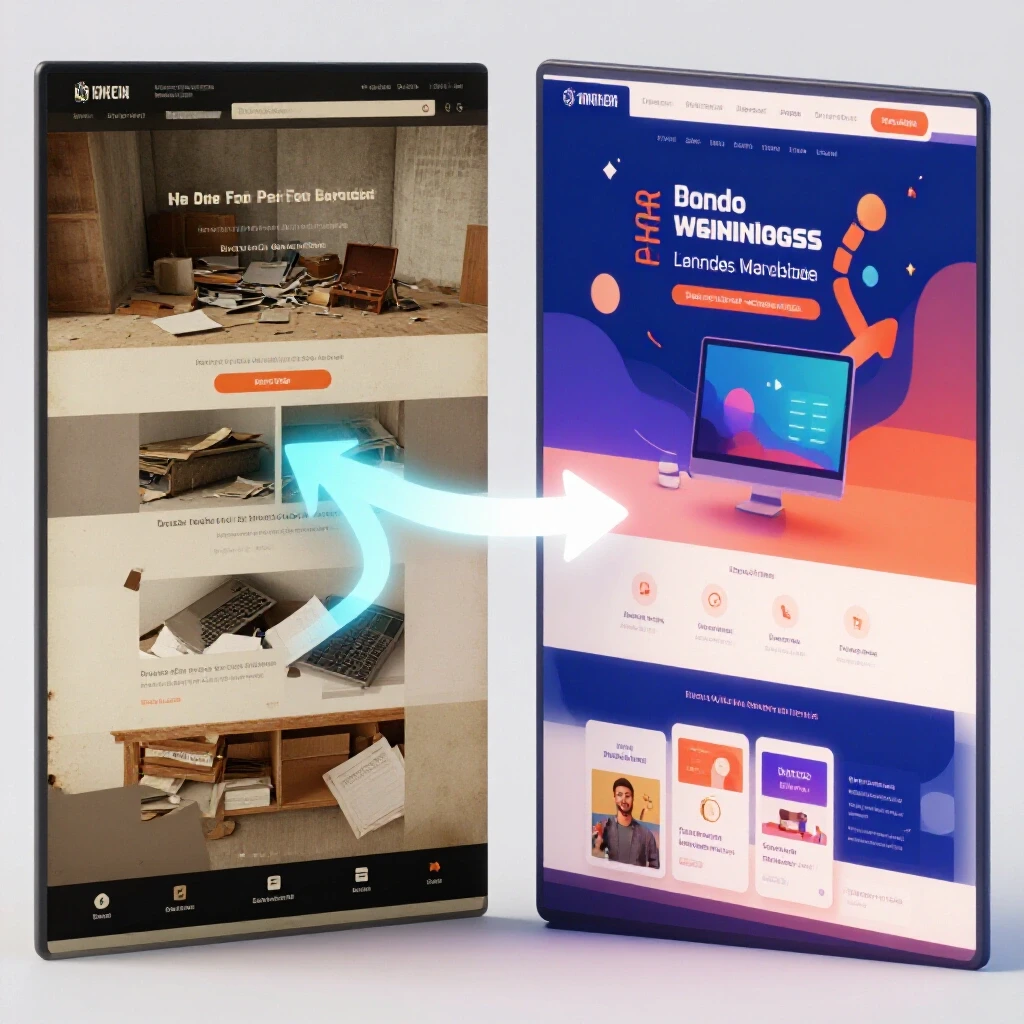
Scaling marketing agencies requires a shift in mindset from “doing the work” to “building the machine.” In my 13 years of experience, the most significant hurdle wasn’t finding more clients; it was maintaining the quality of the user experience as the volume of campaigns grew. When you manage three accounts, you can manually check every headline. When you manage thirty, you need a system. This guide focuses on the specific operational shifts and landing page adjustments that allow an agency to scale effectively while improving the conversion results for their clients.
Auditing Client Onboarding for Improved Ad-to-Page Alignment
The onboarding process is the foundation where an agency identifies the disconnect between what a social media ad promises and what the landing page delivers. This phase involves a deep dive into the client’s current assets to ensure that the messaging, tone, and visual style are consistent across the entire customer journey.
When I first started scaling my team, I noticed a recurring problem. We would launch brilliant creative on Instagram, but the conversion rates were abysmal. The issue wasn’t the ads; it was the “handshake” between the ad and the landing page. During onboarding, we now use a rigorous checklist to audit the destination URL. We look for “message match,” which is a marketing term for ensuring the headline on the page is nearly identical to the text in the ad.
If an ad highlights a “30% discount for eco-friendly soaps,” but the landing page shows a generic homepage, the user feels lost. This friction kills conversions. By standardizing this audit during onboarding, my specialists can flag these issues before a single dollar of the client’s budget is spent. This proactive approach reduces the back-and-forth between the client and the agency, allowing us to move into the execution phase with a higher probability of success.
Standardizing Campaign Procedures to Enhance Conversion Outcomes
Establishing standard operating procedures (SOPs) ensures that every specialist on your team follows a proven framework for optimizing the bridge between social ads and landing pages. These procedures remove the guesswork and allow for a consistent quality of work across a diverse portfolio of high-budget clients.
In my agency, we developed a “Conversion Consistency Protocol.” This is a document that every new hire must master. It outlines exactly how to evaluate a landing page’s visual hierarchy—the way elements are arranged to guide the eye toward the call to action. We found that by simply moving the most important benefit to the very top of the page, above the “fold” (the part of the page visible without scrolling), we could consistently lift results for our clients.
Building on this, our SOPs include a mandatory check for mobile responsiveness. Since the vast majority of social media traffic comes from mobile devices, a page that looks great on a desktop but breaks on a phone is a liability. By making these checks a standard part of our workflow, we eliminated the bottlenecks that occurred when I had to personally review every campaign. The team became self-correcting, which is the hallmark of digital agency operational growth.
Mapping Team Capacity for High-Budget Portfolio Management
Capacity planning is the process of determining how many client accounts a specialist can manage without a decline in campaign performance or landing page quality. It involves balancing the technical demands of ad management with the creative demands of conversion rate optimization.
One of the hardest lessons I learned was that a specialist’s capacity is not infinite. In the early days, I pushed my team to manage 15 or 20 accounts each. The result was burnout and a sharp drop in client retention benchmarks. Through trial and error, and by looking at industry performance indexes, I found that the “sweet spot” for high-performance social media management is much lower.
- Account-to-Strategist Ratios: 4–8 accounts per specialist, depending on the complexity and budget.
- Optimization Frequency: High-budget accounts (over $10,000/month) require daily monitoring and weekly landing page adjustments.
- Creative Refresh Rate: New ad visuals and headline variations should be tested every 14–21 days to prevent ad fatigue.
By sticking to these benchmarks, we ensured that our team had the “headspace” to think critically about the landing page changes that actually move the needle. When a specialist is overworked, they only have time to change a bid or a budget. When they have capacity, they can analyze why a form field is causing users to drop off and fix it.
Why Team Bottlenecks Halt Agency Scaling
A delegation blueprint is a structured plan for transferring responsibilities from the agency founder to specialized team members. This transition is necessary to prevent the founder from becoming a bottleneck, which limits the agency’s ability to take on more clients or manage larger budgets.
Interestingly, the biggest bottleneck in my agency was me. I was the only one who felt comfortable suggesting changes to a client’s landing page. I feared that if a specialist made a mistake, we would lose the account. To solve this, I created a “Task Delegation Matrix.” This tool clearly defines who is responsible for what, from the initial ad copy to the final landing page audit.
| Task Category | Specialist Role | Founder Role | Key Performance Indicator (KPI) |
|---|---|---|---|
| Ad Creative | Creative Designer | Brand Review | Click-Through Rate (CTR) |
| Campaign Setup | Media Buyer | Strategy Approval | Cost Per Click (CPC) |
| Page Optimization | CRO Specialist | Final QA | Conversion Rate (CVR) |
| Client Reporting | Account Manager | Relationship Management | Client Retention Rate |
This matrix allowed me to step back. As a result, the team felt empowered to suggest landing page modifications, such as reducing the number of form fields from five to three. In one case, this simple change doubled the lead volume for a B2B client. Because the process was documented, the specialist didn’t need my permission to test it—they just followed the team delegation frameworks we had in place.
Executing Campaign Quality Checks and Scaling Budgets Safely
Quality assurance (QA) is a systematic process of checking campaigns for errors before they go live and as they scale. Scaling ad budgets safely requires a “testing budget safety ratio,” where a small portion of the budget is used to validate landing page changes before the full budget is committed.
When scaling a client from a $5,000 monthly spend to $50,000, the stakes are much higher. A small error on the landing page that might have cost $100 in the past could now cost $1,000 in a single afternoon. To manage this risk, we implemented a dual-sign-off system for all high-budget launches. One specialist builds the campaign, and another performs a “pre-flight” check.
- Link Validation: Does every ad lead to the correct, active landing page?
- Pixel Tracking: Is the conversion event firing correctly on the “Thank You” page?
- Messaging Sync: Does the landing page headline match the specific ad variant?
- Load Speed: Does the page load in under 2.5 seconds on a 4G connection?
We also use a “Testing Budget Safety Ratio” of 10-15%. This means we never roll out a major landing page change to the entire audience at once. We test the new version against the old version using a small segment of traffic. Only when the new version proves it can maintain or improve the conversion rate do we shift the majority of the budget toward it.
Measuring the Impact of Visual Hierarchy and Form Field Reductions
The effectiveness of a landing page often comes down to how easily a user can complete the desired action. By analyzing user behavior data, agencies can identify specific elements, like a cluttered visual hierarchy or too many form fields, that are hindering conversion results.
I remember a project for a client in the professional services space. They were getting plenty of clicks from LinkedIn, but their “Cost Per Lead” was rising. When I looked at the landing page, I saw a form with nine required fields. It asked for everything from their job title to their annual revenue. We hypothesized that this was too much “friction” for a social media user who was likely browsing on their phone during a break.
We decided to simplify the form to just three fields: Name, Email, and Company. We also adjusted the visual hierarchy so the form was the only thing on the right side of the screen, with a clear, contrasting “Submit” button. The results were immediate. The conversion rate increased by 40%, and the cost per lead dropped significantly. This wasn’t a complex technical change; it was an operational decision based on data.
Evaluating Team Retention and Service Cost Efficiency
Operational efficiency is measured by the cost of delivering a service relative to the revenue it generates. High team retention is a key indicator of a healthy agency, as it reduces the costs associated with hiring and training new specialists.
Scaling an agency is expensive. Between software subscriptions for portfolio tracking and the rising cost of talent, margins can shrink quickly. I track our “Cost-of-Service Margin” religiously. This is the percentage of client revenue that goes directly toward the people and tools required to manage those accounts. A healthy margin for a scaling agency is typically between 50% and 60%.
To maintain this, we use modern resource planning suites to track how much time our specialists spend on specific tasks. If we find that a team member is spending ten hours a week manually checking landing page links, we look for a way to automate that task. This keeps our team focused on high-value work, like strategy and creative optimization, which in turn keeps them engaged and reduces turnover.
Practical Tools for Managing Social Media Operations
To transition into a highly efficient business unit, an agency must leverage a stack of tools that support delegation, reporting, and performance monitoring. These tools provide the visibility needed to manage a large portfolio without losing sight of individual campaign performance.
- Project Management Suites (e.g., Asana, ClickUp): Used for building out the SOP templates and tracking the progress of landing page audits.
- Resource Planning Software (e.g., Float, Mavenlink): Essential for mapping team capacity and ensuring no specialist is overloaded.
- KPI Dashboards (e.g., AgencyAnalytics, DashThis): These pull data from social platforms and landing page analytics into a single view for the client and the team.
- Onboarding Portals (e.g., Content Snare): Used to collect brand assets and destination URLs from clients systematically, reducing “scope creep” and delays.
- Visual Feedback Tools (e.g., Pastel, Filestage): These allow specialists and clients to comment directly on landing page designs, speeding up the approval process.
By integrating these tools into our daily workflow, we moved away from the “chaos” of the early days. We no longer rely on memory or long email threads. Everything is documented, measurable, and repeatable.
Transitioning to a Scalable Marketing Unit
The journey from a solo operator to an agency leader is defined by your ability to let go of the “how” and focus on the “what.” You are no longer the person changing the button color on a landing page; you are the person who ensures there is a system in place to test that button color every single time a new campaign launches.
Establishing operational benchmarks is not a one-time event. It is a continuous process of auditing, refining, and delegating. As you scale, you will face new challenges—hiring risks, rising costs, and the constant evolution of social media platforms. However, by focusing on the fundamental link between the ad and the page, you provide a level of value that keeps clients coming back.
The most successful agencies I know are those that treat their internal operations with the same rigor they apply to their clients’ campaigns. They measure their own “conversion rates”—how efficiently they turn a new client lead into a long-term, high-budget partnership. By following the strategies outlined here, you can build a business that doesn’t just grow, but scales sustainably.
Frequently Asked Questions
How many accounts should a single specialist manage? In a high-performance setting, a specialist should typically manage between 4 and 8 accounts. This allows them enough time to perform deep-dive optimizations on both the social media ads and the landing pages, rather than just doing surface-level maintenance.
What is the most common landing page mistake that kills social ad conversions? The most common mistake is a lack of “message match.” If the ad makes a specific promise or uses a specific tone, and the landing page doesn’t immediately reflect that, users will bounce. The headline of the page should be the first thing they see, and it should echo the ad copy.
How do you know when it’s time to hire a dedicated CRO specialist? When your media buyers are spending more than 20% of their time suggesting or making landing page changes instead of managing ad spend, it is time to hire a specialist. This allows your media buyers to focus on platform-specific tactics while the specialist focuses on conversion results.
What is a “testing budget safety ratio”? This is the practice of allocating 10-15% of a client’s total ad budget to test new landing page variations or ad creatives. This prevents you from risking the entire budget on an unproven change, ensuring more stable results as you scale.
How can I reduce the time my team spends on client reporting? Use automated KPI dashboards that pull data directly from social platforms and landing page analytics. This moves the team’s focus from “gathering data” to “interpreting data,” which is much more valuable for client retention.
What are the key metrics for measuring agency operational efficiency? The most important metrics are the cost-of-service margin (revenue minus the cost of delivery), the account-to-strategist ratio, and the average campaign launch time. These tell you if your team is working effectively or if you have bottlenecks.
How does reducing form fields on a landing page impact lead quality? While reducing fields often increases the volume of leads, it can sometimes lower the quality if you remove critical qualifying questions. The goal is to find the balance—ask only what is necessary to start a conversation, then gather more details later in the sales process.
Why is mobile responsiveness so critical for social media traffic? Since over 90% of social media users access platforms via mobile devices, your landing page must be optimized for small screens and slow connections. A slow-loading or poorly formatted mobile page will lead to high bounce rates and wasted ad spend.
What is the “visual hierarchy” on a landing page? Visual hierarchy is the arrangement of elements in a way that implies importance. For a landing page, this means the headline and the call-to-action (CTA) should be the most prominent elements, guiding the user toward the conversion goal naturally.
How do I handle a client who refuses to change their landing page? Present them with data. Use a small portion of the budget to run a “split test” between their current page and a version you’ve optimized. When they see the difference in conversion rates and cost per lead, they are usually much more open to your recommendations.
(This article was written by one of our staff writers, Matthew Sterling. Visit our Meet the Team page to learn more about the author and their expertise.)